What Uses Power in Gaming?
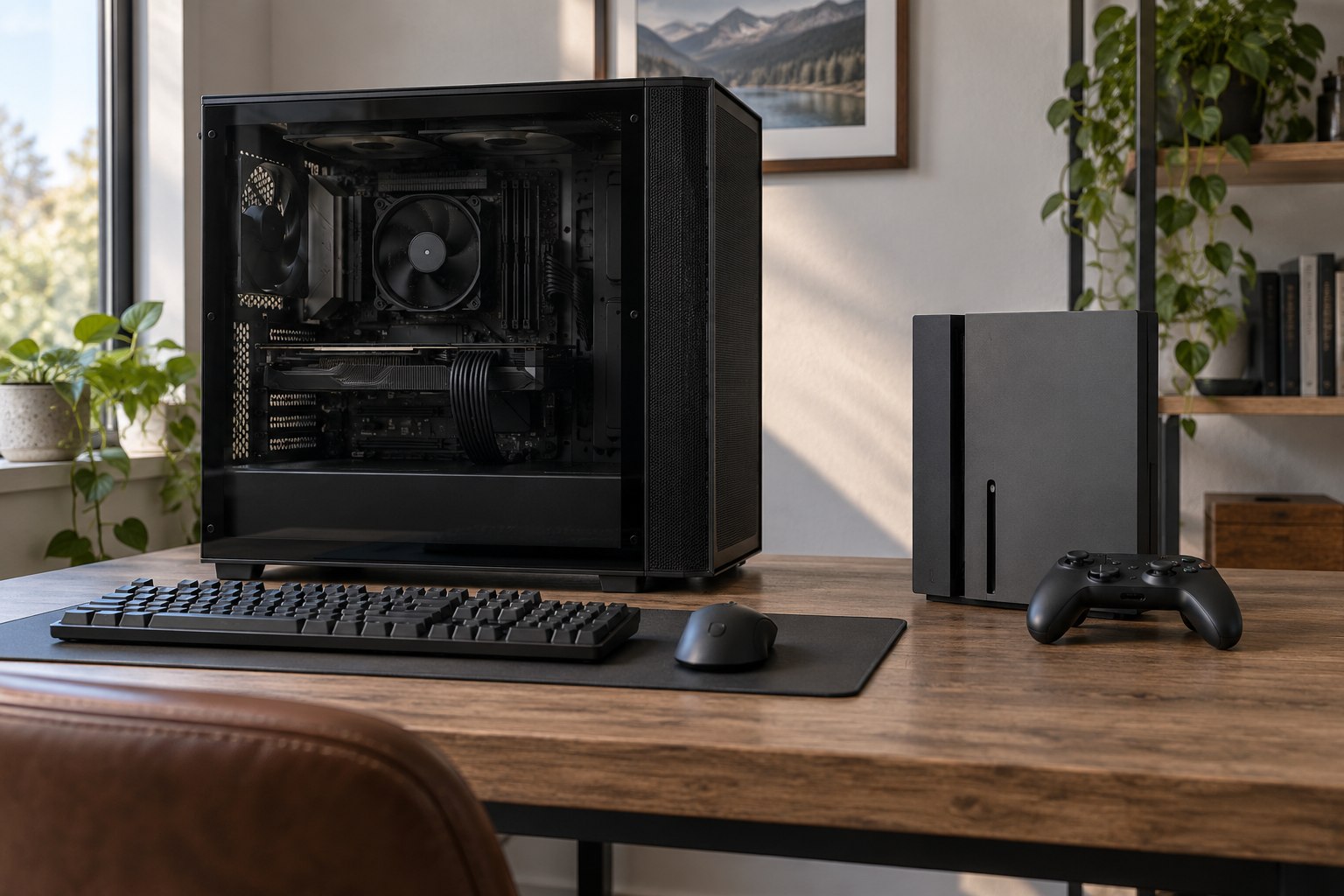
Electricity use from gaming is a property of a whole setup, not a single machine. A console, gaming PC, display, speakers, router, charging dock and room cooling may all run during one session. The split shifts with the title, frame rate, resolution, screen size, settings and hours played. A useful estimate starts by choosing a boundary: one player-session, one household, a gaming room, or the equipment owned by a studio.
For households in Aotearoa New Zealand, electricity use and carbon emissions are related but not interchangeable. The meter records kilowatt-hours (kWh); emissions depend on the electricity supply at the time and the accounting method used. Use the dated grid factor appropriate to the estimate, and keep the measured kWh separate from the carbon calculation.
Start with the equipment boundary
A console-only reading answers a narrow question. It misses the television or monitor, sound system, external storage, network equipment and cooling that support the play session. A desktop setup has more components: the PC, one or more displays, audio hardware and sometimes a capture card or streaming encoder. Separating those loads prevents a high-power display from being blamed on the computer or an always-on network device from disappearing from the account.
Two boundaries are useful for different decisions. A device boundary helps compare console modes or PC settings. A room boundary helps estimate the energy associated with a player’s actual routine. A household boundary can include downloads, updates, overnight standby and shared screens. The chosen boundary should stay constant across comparisons; adding a television to one option and excluding it from another makes the result misleading.
Time also needs a definition. “Gaming hours” may include menus, matchmaking, paused time, downloads and periods when a game is open in the background. A session measured from power-on to shutdown captures the full use pattern. A test that times only active play can still be useful, provided the excluded time is named and the same rule is used for each device.
Translate power into session energy
Power, measured in watts, describes the rate of electricity use at a moment. Energy, measured in kilowatt-hours, accumulates across time. A 200-watt device running for three hours uses 0.6 kWh before the display and supporting equipment are counted: 200 ÷ 1,000 × 3. This arithmetic is simple; choosing representative power values is the harder part. A menu, a lightly loaded game and a demanding scene can draw different amounts.
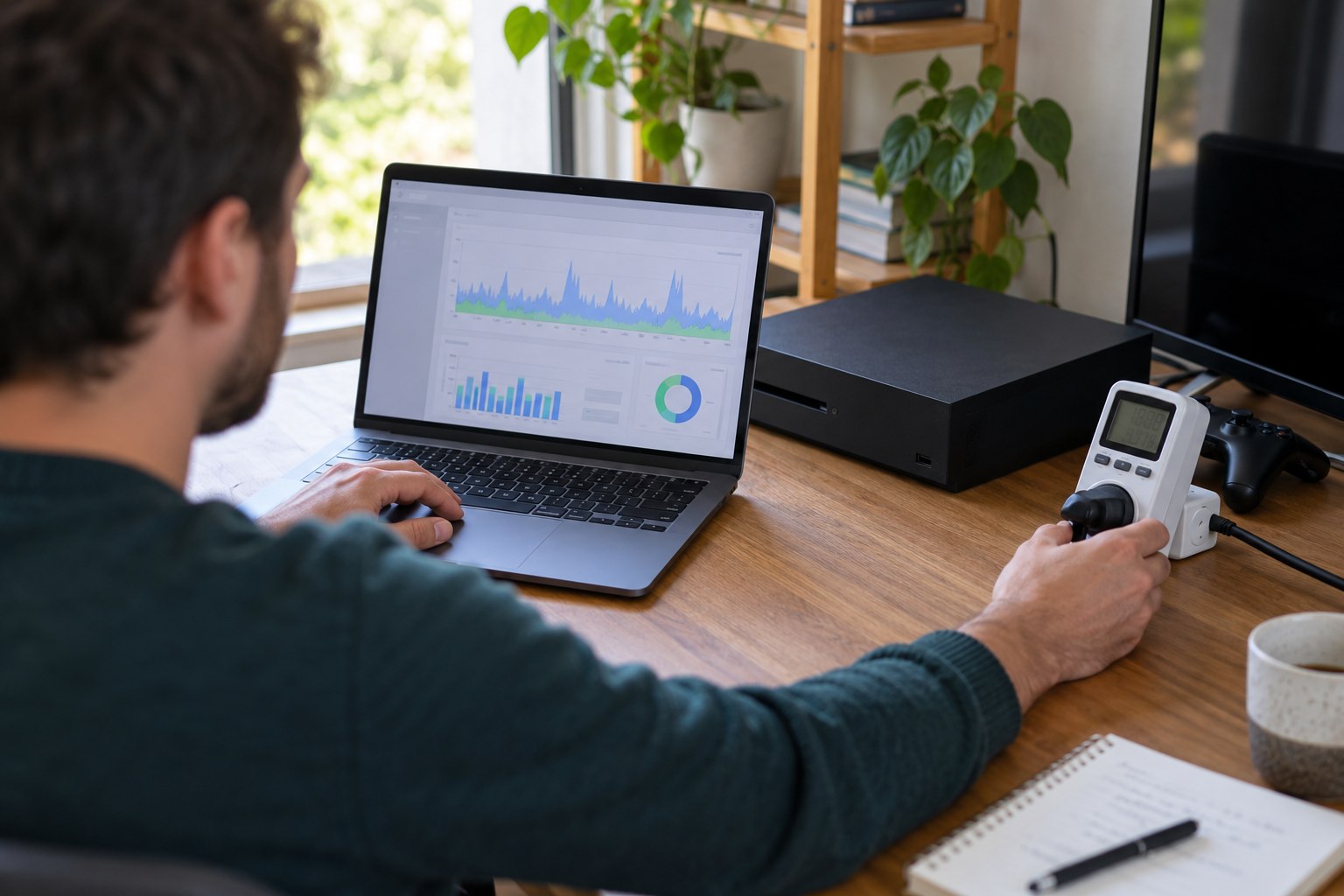
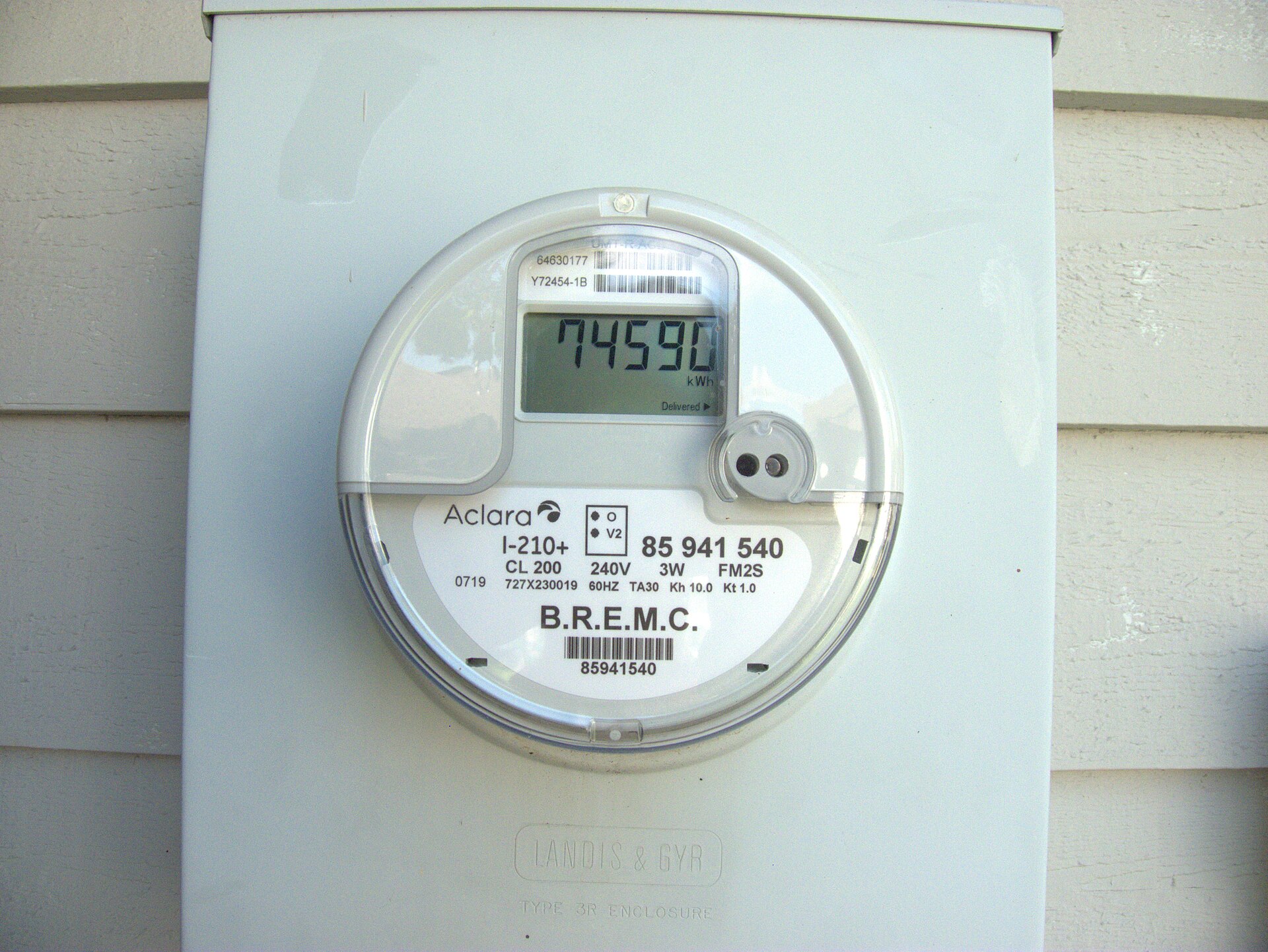
A plug-in energy meter can record kWh at the wall for equipment with an accessible mains plug. Record the start and end readings, session length, title, resolution, frame-rate mode, display brightness and power profile. For a gaming PC, measuring the complete desktop at the wall captures power-supply losses as well as the tower’s components. Software telemetry can help locate changes inside the PC, but it does not replace a wall measurement when the question concerns household electricity.
| Load | What to record | Why it changes the result |
|---|---|---|
| Console or PC | kWh over a defined play period | Scene complexity, frame rate and performance mode change demand. |
| Display | Model, size, brightness and hours | Large screens and high brightness add a separate continuous load. |
| Network gear | Router or access-point baseline | Shared home equipment may run whether a game is being played or not. |
| Idle and standby | Mode, duration and overnight kWh | Quick resume and remote features can keep parts of a system active. |
| Room cooling | Hours and, where practical, circuit use | Heat from equipment can affect comfort and cooling demand. |
Why game settings change the load
Resolution, ray tracing, scene detail, simulation and frame-rate targets change the work done by the processor and graphics system. The power difference between 60 and 120 frames per second varies by chip, cooling design, engine and optimisation; it cannot be assumed from the setting alone. Measure the same game segment, display and target across repeated runs, and record hardware and software versions.
A representative week captures the games and modes people actually use better than one demanding benchmark. Measure the display separately: screen size, brightness, refresh rate and sleep settings can materially change household electricity without changing the game workload.
Idle time is a distinct activity
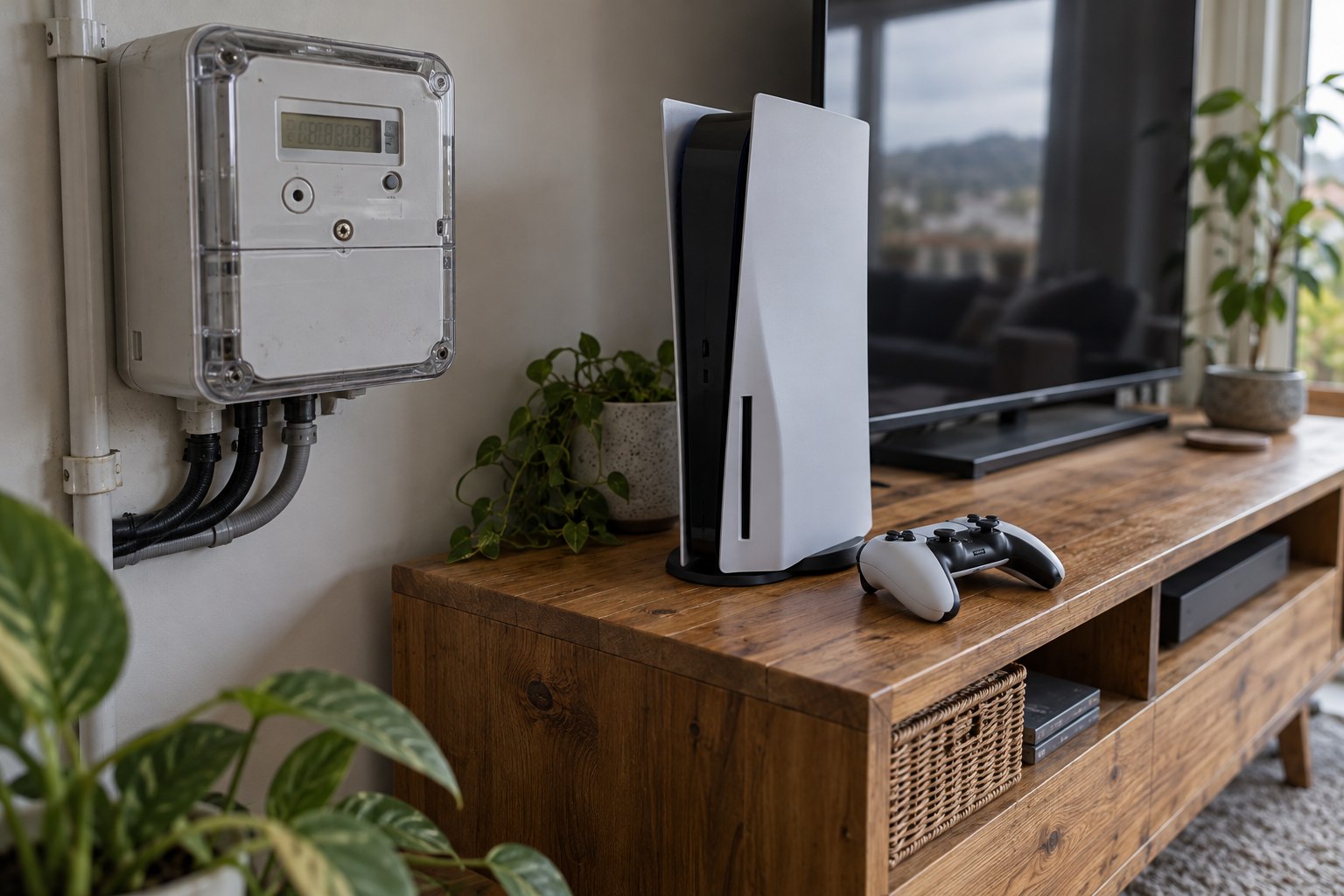
?Off?, ?sleep?, ?rest? and ?shutdown? can leave different functions running. Measure each setting over a representative overnight period and record whether it permits remote wake, updates or controller charging. Choose the profile that matches actual use rather than assuming the label states its energy.
- Convenience: instant resume and remote access may justify some standby use.
- Scheduled tasks: use update or download scheduling where the platform provides it.
- Measurement boundary: a console meter captures the receiving device, not the network and data centres involved in a download.
New Zealand’s grid changes the emissions reading
A wall meter reports kWh regardless of the electricity mix. To estimate emissions, pair those kWh with a dated New Zealand factor suited to the question. MBIE reports an 88.5% renewable share of electricity generation for 2025, but that annual share does not describe every hour of play. MBIE electricity data for 2025.
Carbon-aware scheduling is a platform feature that may move updates into periods with cleaner electricity where suitable grid data are available. It does not remove the energy demand or guarantee a lower footprint for every download. The relevant comparison is the same task under two timing profiles, including the platform’s limits and any effect on connectivity or household routines.
Build a comparable household estimate
A repeatable estimate can be assembled from three records: active use, idle use and the supporting equipment. Measure each category for at least a normal week, divide by the number of sessions or hours, then scale to a month only if play frequency is stable. Keep household-shared equipment separate from gaming-only loads so that the gaming share is not overstated.
- Choose a fixed boundary and list every included device.
- Measure wall energy for active play, rest mode and shutdown separately.
- Record session duration, title, performance settings and display conditions.
- Keep background downloads and shared router use in their own rows.
- Repeat the same routine after changing one setting, then compare kWh per session.
One change at a time makes the result interpretable. If a power mode lowers the console’s reading but lengthens a download that keeps a display on, the net household effect may be smaller than the device-only number suggests. A complete record exposes that shift instead of hiding it in an average.
Use intensity and total use together
Energy per hour makes two sessions easier to compare, while monthly kWh reveals the effect of total play time. A more efficient setup can still use more electricity if hours increase sharply. Conversely, a high-performance system may have a modest monthly total when used briefly. Report both measures and avoid turning either into a judgement about a player’s habits.
A console’s wall-meter reading ends at the plug; the display and network equipment sit outside it unless the test includes them. Time matters too: a download, a game session and an overnight standby period are different loads.