Live Casino Streaming Infrastructure
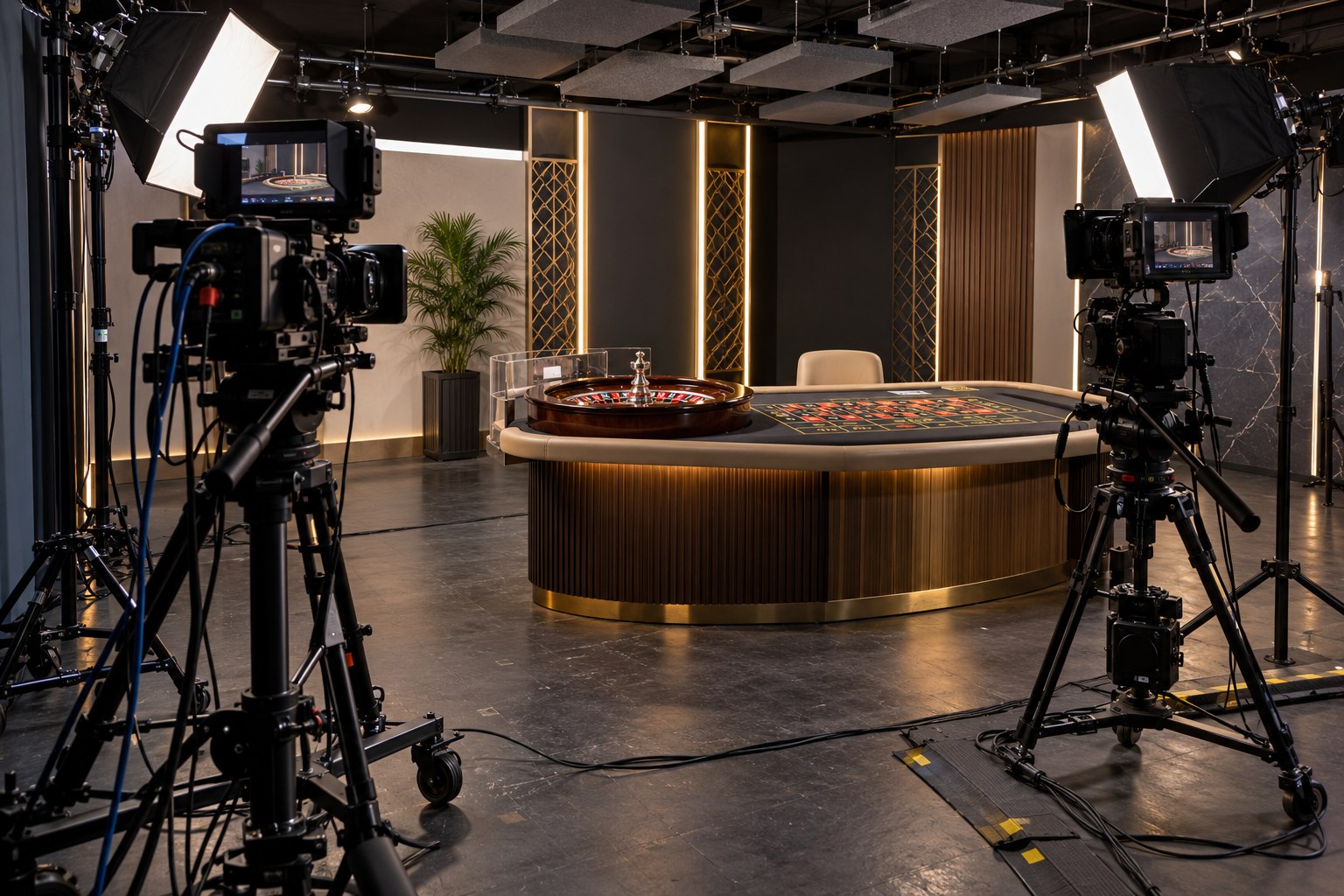
A live casino game begins as a physical production and becomes a digital stream. A studio hosts a dealer, table, cameras, lighting, audio, game-control systems, encoders and monitoring equipment. The feed then passes through network links and video-delivery infrastructure to a player’s device. The environmental profile follows the full chain, and each layer has a different load pattern.
Compared with a static game interface, live video adds continuous capture, encoding and delivery. Its energy use depends on the number of active tables, camera count, lighting design, stream quality, redundancy, regional delivery and hours on air. A production space may also have ventilation and cooling to control heat from luminaires, servers and crew.
The studio is a continuous production room
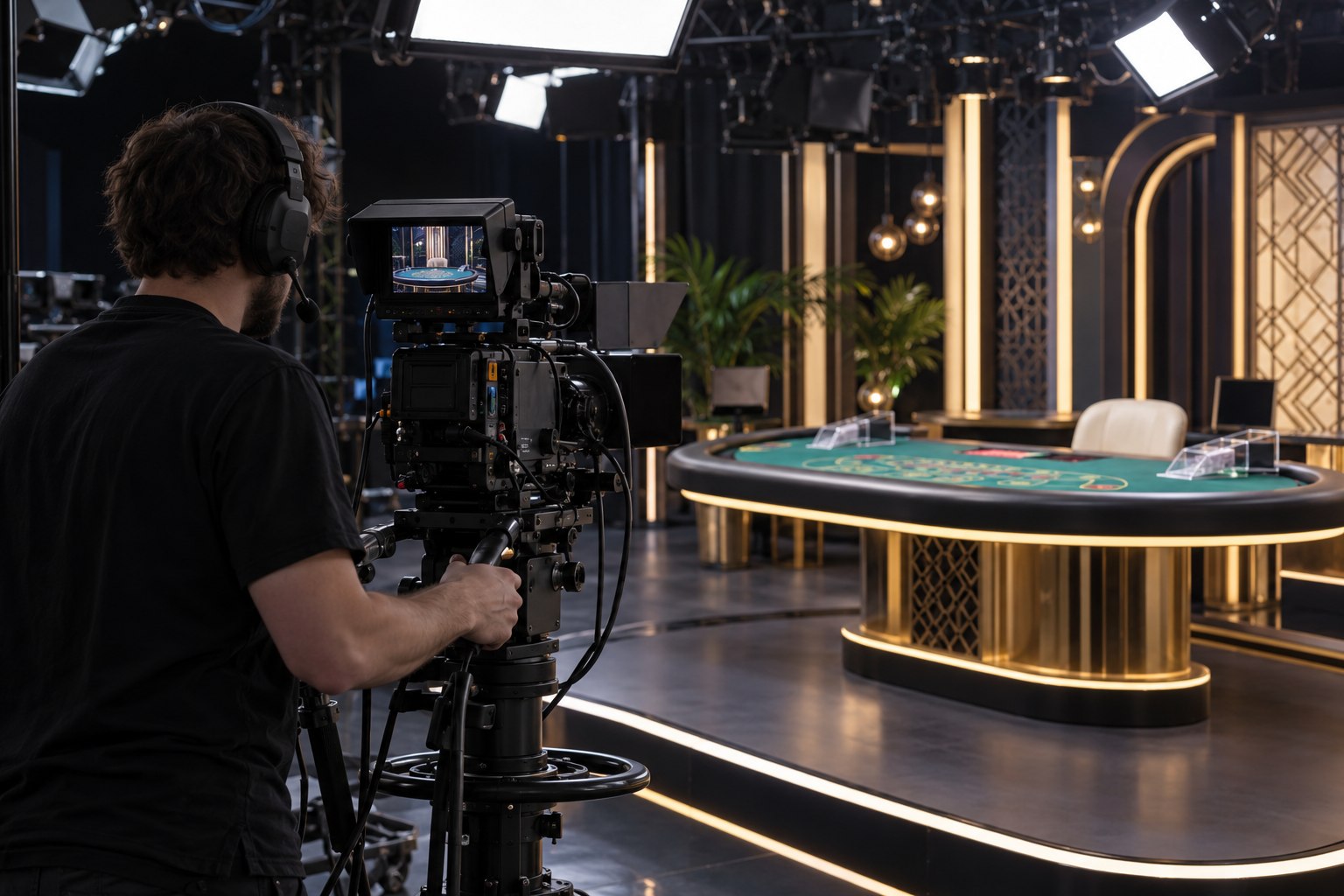
Lighting is a major design choice because image quality, colour accuracy and low shadowing are central to a broadcast table. High-output fixtures can add heat as well as electricity demand. LED fixtures, efficient placement, diffusers and careful exposure settings can deliver a stable image with less heat than older lighting arrangements. The result depends on the actual fixture, room design and camera response.
Cameras, lenses, monitors, audio consoles and production computers require power and may run continuously across multiple shifts. A studio can compare equipment models by measured draw at idle, rehearsal and live production, rather than by nameplate maximum alone. Power supplies, cooling fans and control racks may remain on between broadcasts to maintain readiness.
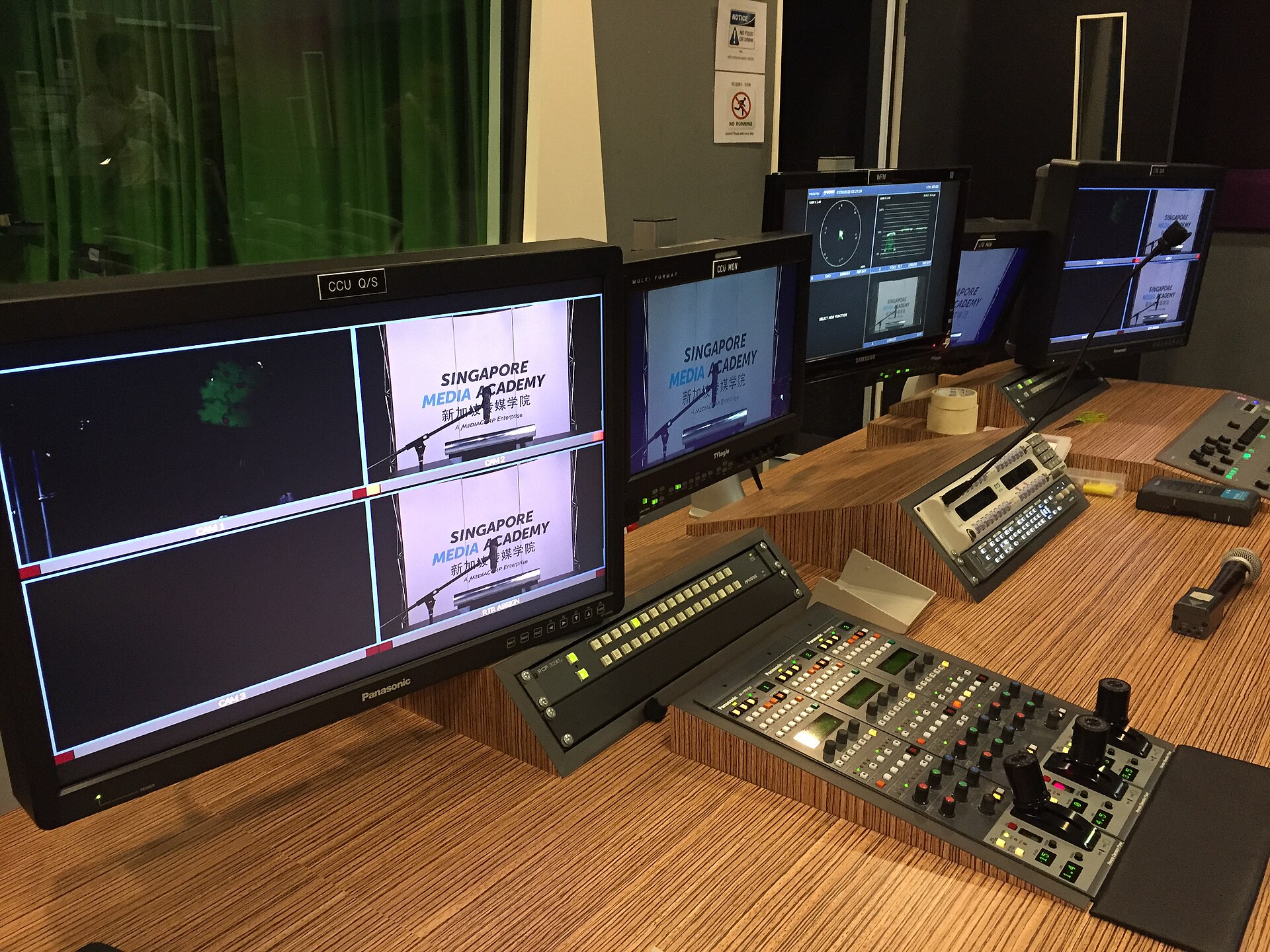
Table layout affects more than the camera frame. A design that supports several angles with fewer cameras can lower equipment count and reduce processing. Camera placement and lighting can avoid repeated retakes and set adjustments. The production team can keep image consistency while limiting unneeded feeds, test streams and idle equipment.
Video encoding and delivery scale with audience
Video encoders turn camera feeds into streams at one or more resolutions and bit rates. A provider may create multiple versions for different devices and connection speeds. Adaptive streaming can improve reliability, but parallel renditions and repeated encoding use compute capacity. The profile should match screen size and network conditions rather than defaulting every viewer to the highest available quality.
A live feed may travel through a content-delivery network to reach players with low latency. Caching and edge delivery can reduce the distance to users, while adding equipment in more locations. A global audience can send a small studio feed through many network paths; electricity depends on the infrastructure, volume and duration of delivery, not simply the number of cameras.
Latency requirements affect architecture. A delayed stream may not match game actions, so providers balance encoding, buffering, transmission and fallback routes. Redundant paths protect the service from a link failure, yet duplicate standby capacity consumes resources. The appropriate reserve level depends on the risk of interruption and the operator’s service requirements.
Reliability adds load outside the camera frame
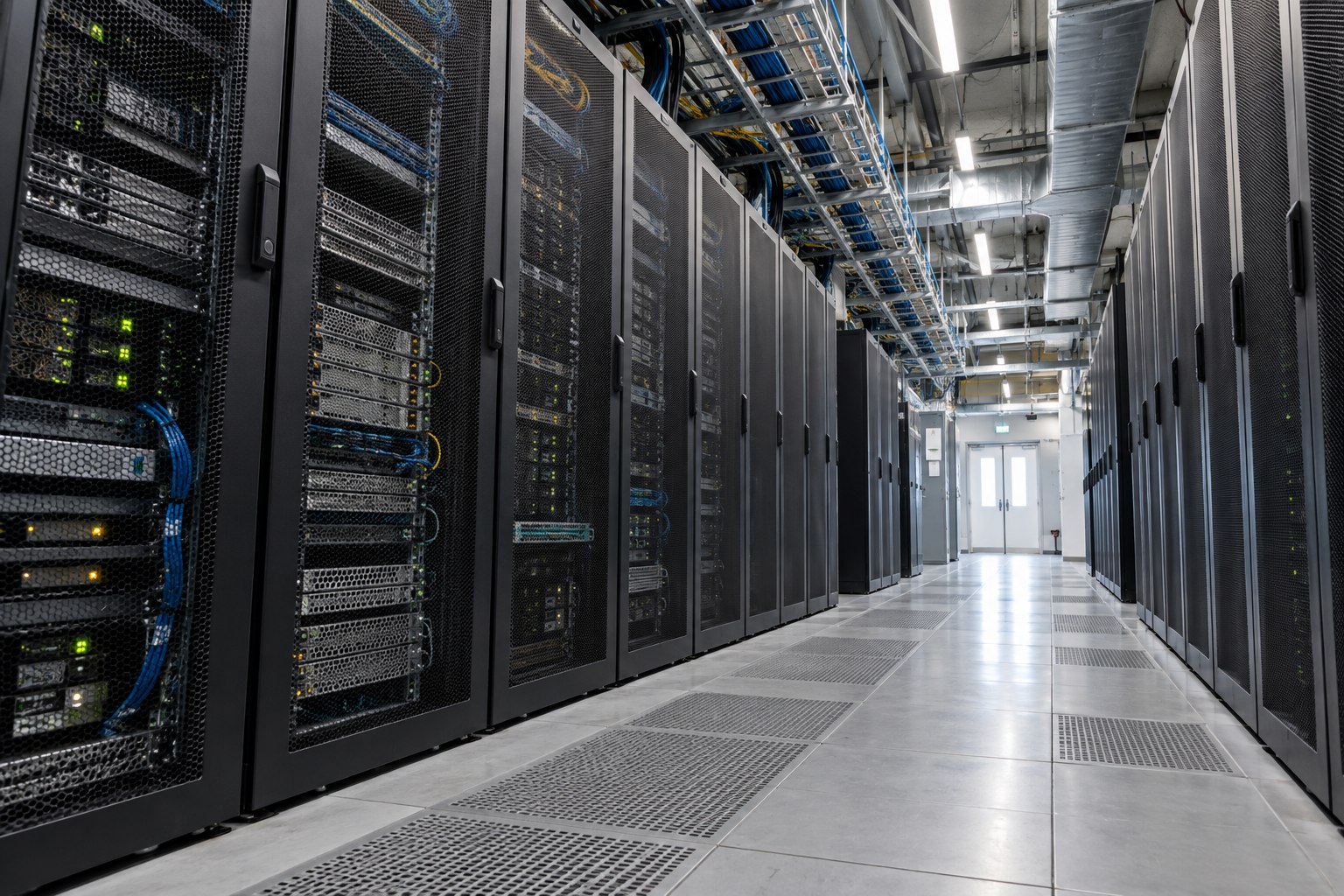
Live production relies on control systems, game records, timing, random outcomes, dealer tools, security monitoring and audio channels. Some processing takes place at the studio; other services run in remote data centres. Redundancy may exist at the equipment, network, power and software layers. A complete studio energy estimate should include support systems instead of counting only visible broadcast equipment.
UPS batteries, generator tests and backup links have a resource cost even when no outage occurs. Record the protected load in kW, expected autonomy, test hours and fuel or battery replacement interval. That inventory distinguishes resilience equipment from the electricity used to produce a normal live table.
Cooling needs vary with studio size, equipment density, climate and occupancy. Camera lighting can warm the room; racks and encoders can create concentrated heat. Separate controls for the studio floor and equipment room can avoid cooling unoccupied areas at the same rate. Airflow maintenance, heat management and scheduling matter alongside chiller efficiency.
Capture
- Typical equipment
- Cameras, lighting, microphones and monitors
- Useful measurement
- kWh per studio hour by room zone
Control
- Typical equipment
- Switchers, game-control computers and monitoring
- Useful measurement
- Idle and active power by equipment rack
Encode
- Typical equipment
- Hardware or software encoders
- Useful measurement
- Energy per stream-hour and rendition profile
Transmit
- Typical equipment
- Studio links, CDN and network routes
- Useful measurement
- Data delivered by region and stream quality
Support
- Typical equipment
- Cooling, UPS and backup systems
- Useful measurement
- Facility overhead, water and fuel use
Production scheduling can improve utilisation
Match active streams, staffing, lighting and cooling to demand while keeping language coverage, shift conditions and customer access. Consolidating quiet windows can reduce empty studio hours, but service quality and working conditions remain guardrails.
- Rehearsal: plan checks and use lower-energy monitoring before the full broadcast test.
- Encoding: test bit rate on common phone, tablet and desktop conditions without losing card and chip detail.
- Tracking: keep a standard test profile so equipment changes can be distinguished from traffic changes.
Measure a stream as a service, not only a studio
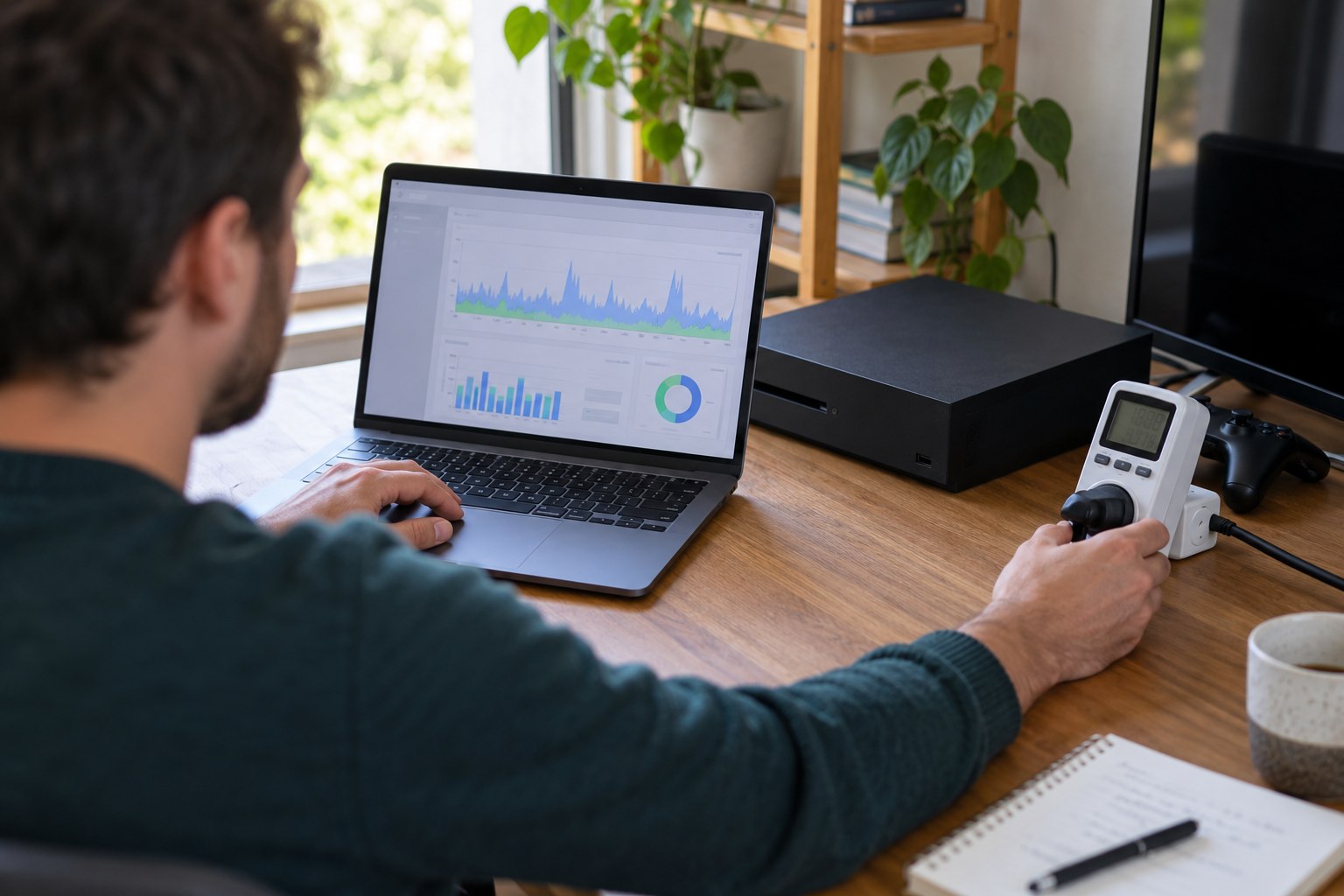
Studio electricity divided by hours on air gives a basic efficiency measure. It misses how many viewers received the stream and how much additional infrastructure delivered it. Energy per stream-hour, per table-hour, per delivered gigabyte and per active viewing hour each answer different questions. Report total annual energy alongside the chosen intensity measures.
Audience allocation is complex when several services share encoders, cloud platforms or CDN routes. A provider can allocate infrastructure using actual compute time, data delivered, server capacity or a documented estimate. The allocation should be stable from one period to the next, and any change in method should be explained alongside the trend.
Water records for a live studio should separate direct site use - such as cleaning and staff facilities - from hosting services purchased from a cloud or colocation provider. Name the provider region and reporting period, and avoid assigning its entire water use to one studio without an allocation rule.
Measure normal and failover operation
Model two operating states: normal streaming and a failover hour. In the second state, count the backup studio or region, extra network route, generator fuel and any duplicate stream. The annual impact depends on how often failover is tested or used, so a design drawing alone cannot supply an annual figure.
Set an idle rule for reserved capacity: which encoders, lights and backup circuits must stay live, how quickly they must start and who may shut them down. A backup room that remains lit and cooled all year has a different footprint from one that can be activated within the agreed recovery time.
Equipment design and procurement influence both failure rates and service life. A camera or encoder with modular components may be repairable; a discontinued proprietary controller can force replacement of a larger system. Contracts can request spare-parts availability, repair turnaround, software support, equipment take-back and clear end-of-life handling.
New Zealand hosting needs a location-based account
A New Zealand-facing stream may use a studio in one country, processing in another and edge delivery near the viewer. Apply each electricity factor where the power is used, not where the viewer lives. Record the studio country, server region and viewer market separately, then allocate camera production, encoding, facility overhead and delivery networks to those locations.
Hosting choices also affect latency and resilience. Ask providers for site-level electricity, cooling-water and renewable-supply methods with assurance, while keeping the technical requirements for reliable real-time delivery. A change in production location should be visible as an operational change, not hidden by a new allocation rule.
Design for fewer unnecessary production hours
- Measure studio, control-room and server-room loads separately.
- Track active broadcast hours, test hours, table-hours and stream quality.
- Use lighting and encoder presets matched to each table and device class.
- Review idle equipment, scheduled shutdowns and UPS capacity without reducing service resilience.
- Include CDN and cloud activity when reporting the stream’s operational footprint.
A studio performance review can compare a standard live table across operating weeks. Record crew schedule, fixture settings, camera feeds, output profiles, audience, network delivery and facility energy. This makes a lower-energy result traceable to a real configuration change rather than a temporary decline in viewers.
A duplicate feed may remain encoded during setup, moderation or failover tests long after the camera operator has left. Production logs that separate test, standby and broadcast hours make those hidden stream loads visible.