Lower-Impact Gaming Technology
Environmental improvements in gaming come from specific engineering choices. Power controls reduce unnecessary operation; graphics optimisation can deliver a chosen visual result with less compute; data-centre design manages cooling and idle capacity; repairable products retain materials in use. A technology should be described by the load it changes, the conditions it needs and the measure that shows whether it worked.
“Green technology” can be an empty label if it is not tied to a mechanism. A carbon-aware update scheduler may shift a download toward a period with lower grid emissions; it does not reduce the file size or the console’s manufacturing footprint. A low-power mode may reduce energy while limiting background functions. Each feature has a boundary and a user choice.
Power modes reduce idle demand
Consoles and PCs can enter different low-activity states. Sleep or rest modes preserve quick resume, remote access or background updates, while shutdown modes can reduce power further. A feature comparison should state which functions remain available and measure the energy over a realistic idle period. The label “off” can conceal a networked state.
Microsoft said its Xbox Shutdown (energy saving) option uses up to 20 times less power while the console is off than Sleep. That is a manufacturer comparison between two off-state settings, not a saving during gameplay. Active hours and carbon-aware updates address different periods and depend on the console’s settings and regional data. Microsoft’s explanation of Xbox power modes.
Automatic sleep timers and scheduled updates can lower power use without changing game rendering. They work best when a household chooses settings that match how it uses remote play, downloads and controller charging. A system that is placed in a low-power mode but immediately awakened for background tasks will not produce the expected result.
Carbon-aware scheduling changes timing
Carbon-aware computing uses electricity-system signals to shift flexible work toward periods with a lower estimated carbon intensity. A game update can sometimes wait for a maintenance window rather than run at an arbitrary time. This approach depends on timely grid data, an online console and a task that can be delayed without harm.
Scheduling changes the emissions associated with when electricity is used; it does not necessarily change the total kWh. If a download is moved to a period when the grid is cleaner, the carbon estimate may fall while energy remains similar. A large update can still add network, server and device loads, and the feature’s effect depends on the local grid signal.
Flexible workloads include patch distribution, backups, build jobs and non-urgent data processing. Real-time multiplayer, safety functions and player-initiated actions have tighter timing needs. A useful system identifies tasks that can be moved, the maximum delay, the carbon signal used and the fallback when the signal is unavailable.
Game code can reduce work for the same output
Efficient game code can avoid repeated calculations, unnecessary physics updates, excessive draw calls and work on objects the player cannot see. Level-of-detail systems reduce geometry for distant objects; occlusion culling avoids rendering hidden scenes; dynamic resolution scales work to maintain a target frame rate. The energy benefit depends on how much work is removed and whether the saved capacity is used for extra visual effects.
Frame-rate control is one of the clearest user-facing levers. If a game produces more frames than the display can show, a cap can reduce graphics activity. Variable refresh rate and frame pacing can support smooth play with less unnecessary processing. The right target depends on game genre, accessibility needs and display capabilities.
Game developers can profile performance on representative hardware. Tracking CPU time, GPU time, frame stability and power draw shows where optimisation has room to improve. A benchmark should use a repeatable scene, software version, resolution and graphics setting; otherwise a change in content can be mistaken for an efficiency gain.
Hardware design can lower lifetime resource demand
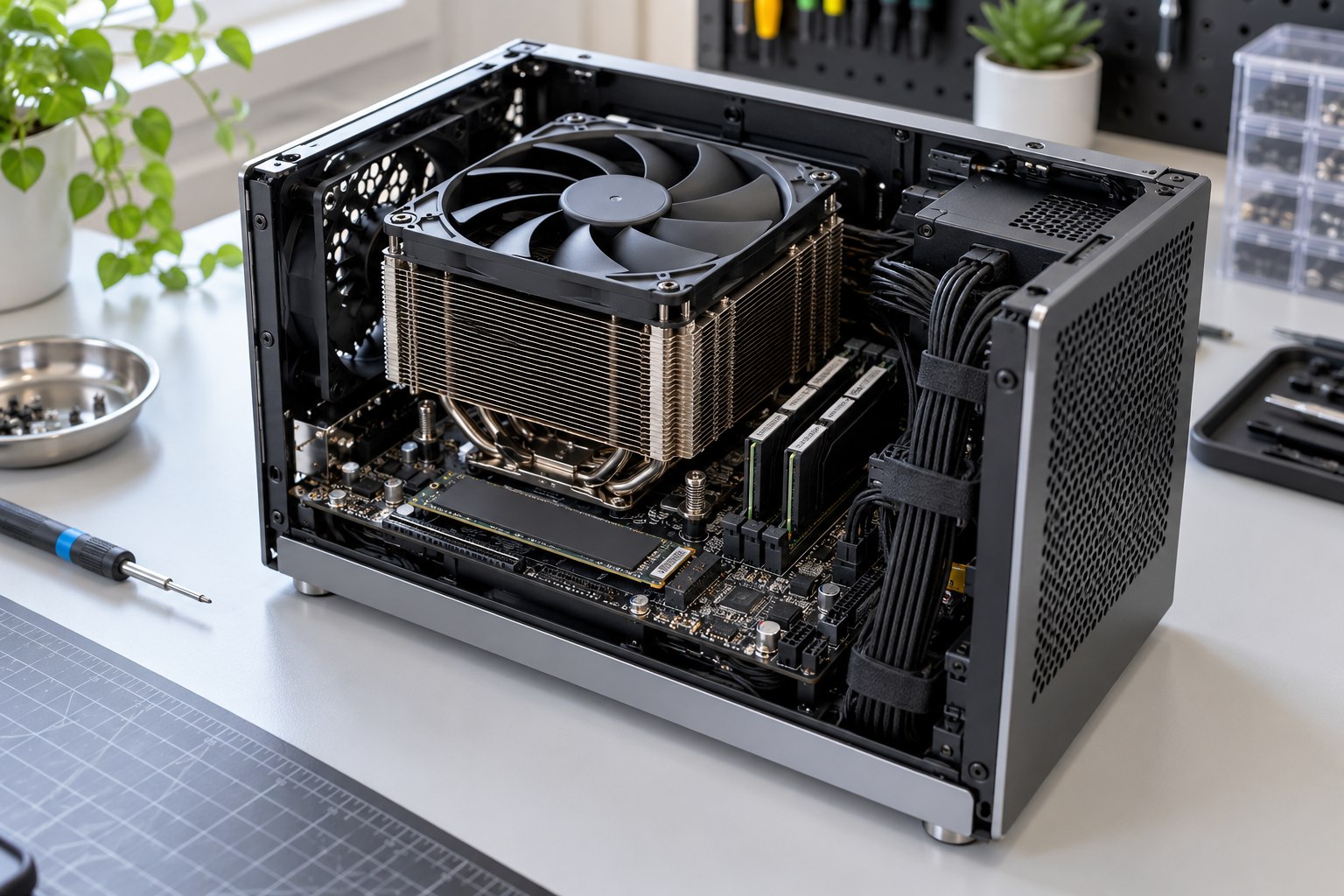
Integrated processors can reduce component count and simplify power management, while modular construction can make individual parts easier to repair or upgrade. These goals may conflict: a tightly integrated package can be efficient and compact but harder to service. A product team needs to weigh energy use, repair access, cooling, reliability and material recovery over the expected life.
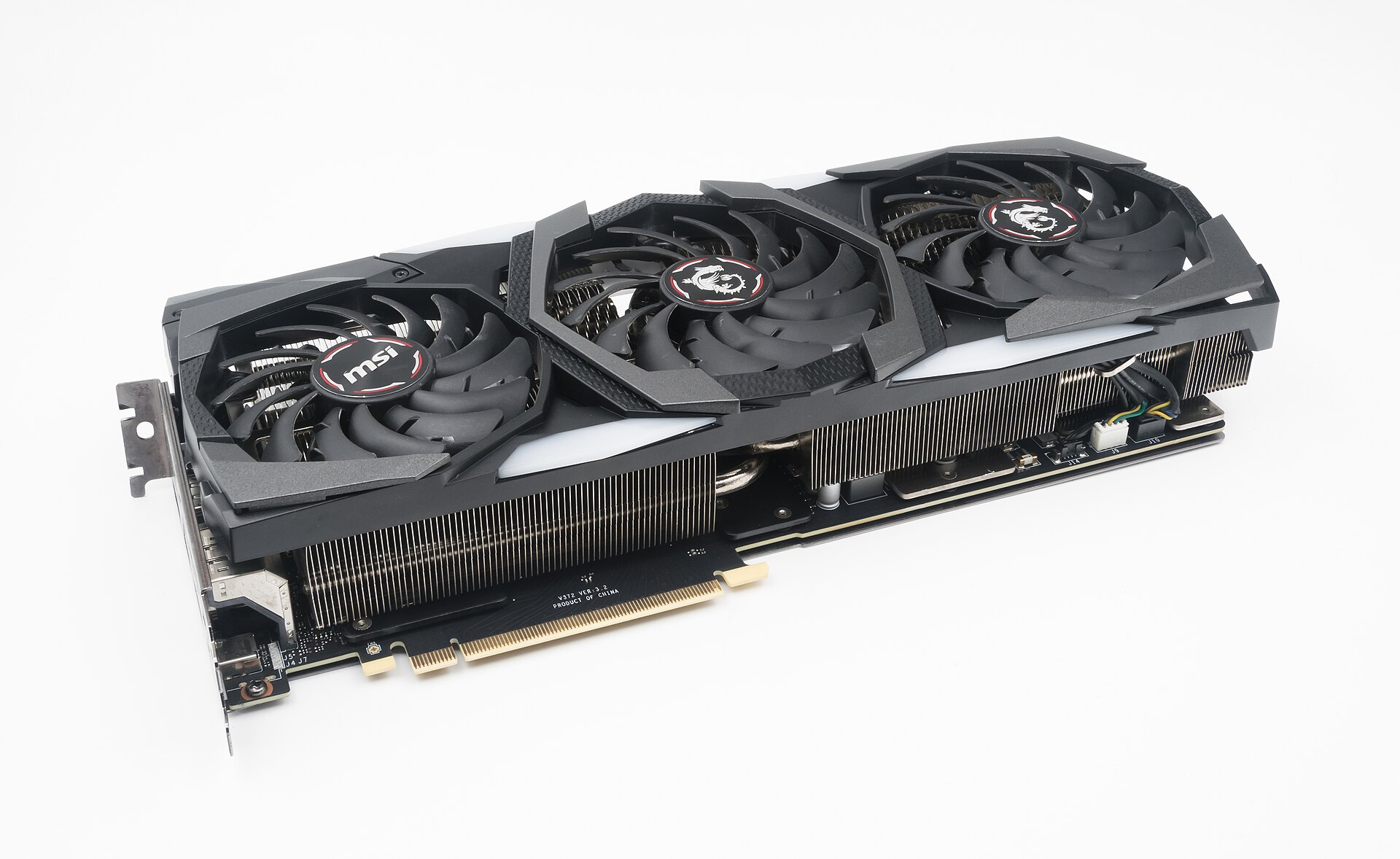
Efficient power supplies, chip scaling, memory management and fan curves can reduce electricity during use. Better heat transfer can allow lower fan speeds and stable performance. A smaller device is not automatically more efficient if it is pushed to higher power density or replaced more often due to limited serviceability.
Battery technologies and charging controls can extend the life of handhelds and wireless controllers. Replaceable batteries and accessible service parts give owners a repair route after capacity fades. Charging optimisation reduces time spent at stressful states, though battery degradation also depends on temperature, cycle count and chemistry.
Shutdown or sleep control
- Mechanism
- Changes idle system state
- Measure that fits
- Overnight kWh and retained functions
Frame-rate cap
- Mechanism
- Limits rendering work
- Measure that fits
- Power draw at equal output conditions
Dynamic resolution
- Mechanism
- Scales graphics work to a target
- Measure that fits
- Frame stability, quality and watts
Carbon-aware update
- Mechanism
- Moves flexible workload in time
- Measure that fits
- Timing signal, kWh and carbon method
Repairable components
- Mechanism
- Replaces a part instead of a full product
- Measure that fits
- Repair rate and additional service life
Data-centre technology affects cloud games
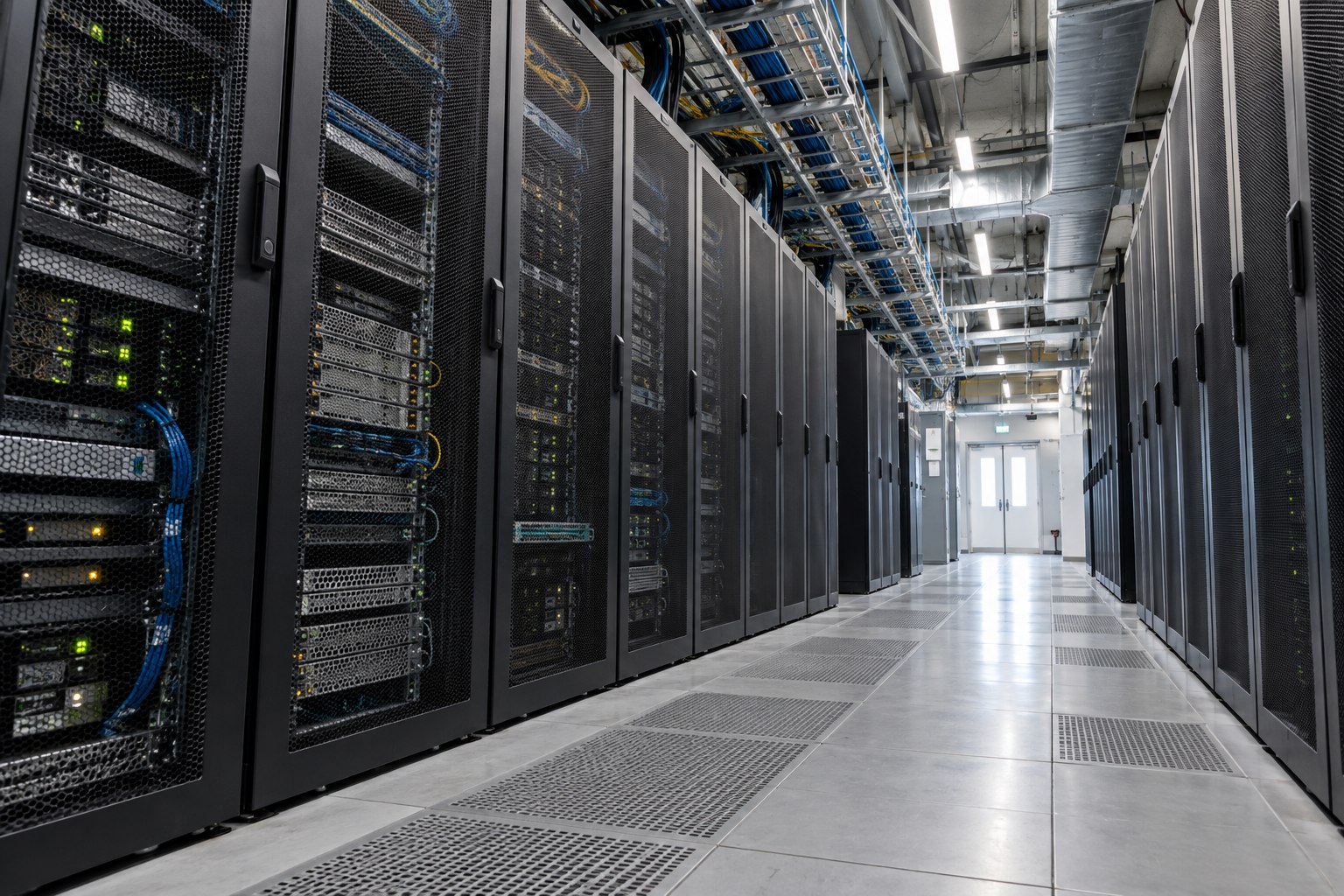
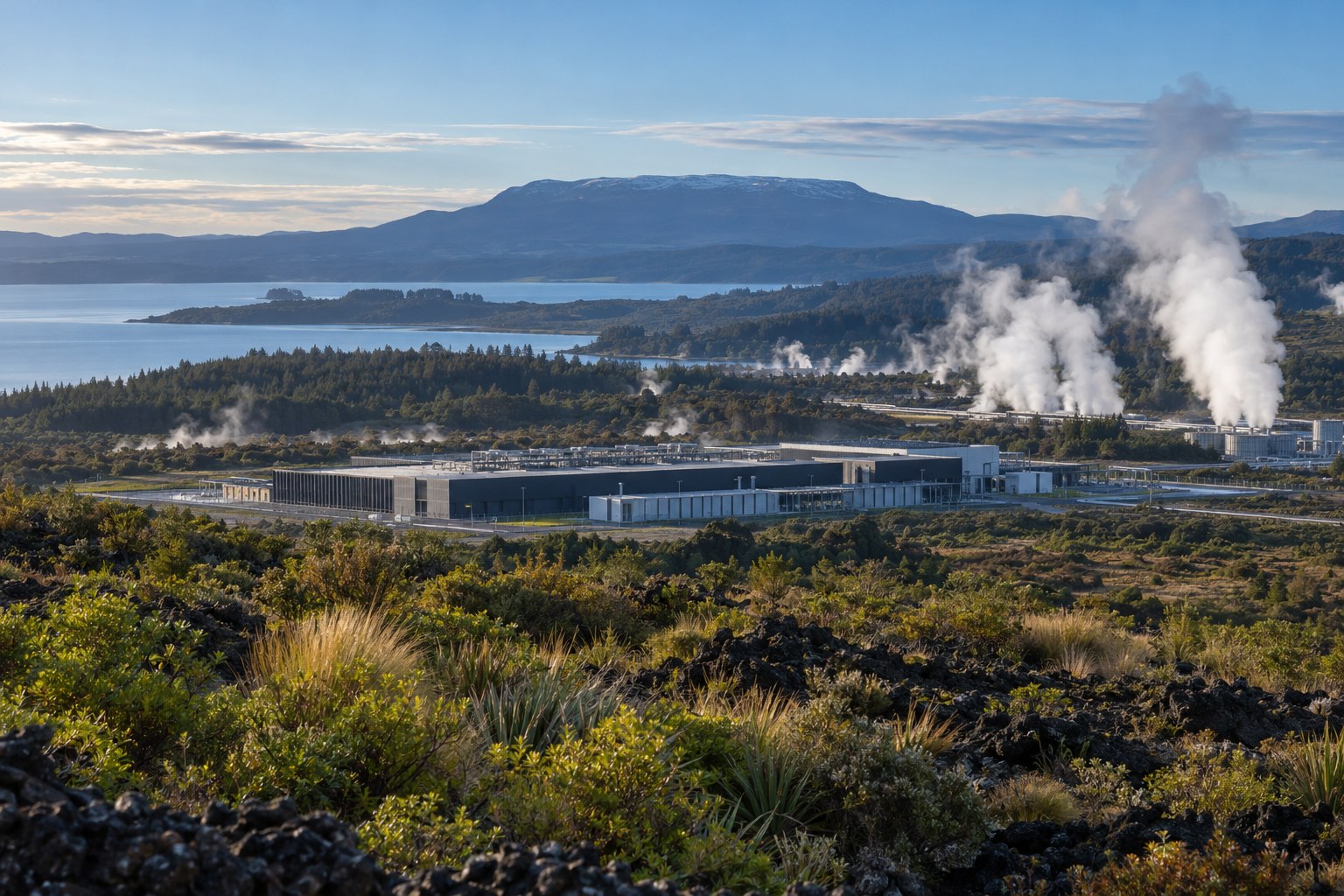
Efficient servers, right-sized workloads, hot-aisle containment, power monitoring and effective cooling can reduce facility demand. Heat recovery may put waste heat to another use where a suitable nearby consumer exists. Design guidance treats IT systems, room conditions, cooling, electrical infrastructure and metrics as connected decisions rather than separate equipment purchases.
Cloud gaming providers can reduce idle capacity through scheduling and workload consolidation, with safeguards for latency and resilience. Game-stream encoding can match device resolution and bandwidth rather than sending every player the highest-quality feed. The service should be tested for energy per player-hour, server utilisation, data delivered and failure rates.

Water-efficient cooling may trade direct water use against electricity use. Dry cooling can reduce water demand in certain climates but increase electrical demand during hot periods; evaporative systems can use water while lowering chiller energy. A technology comparison needs the data-centre location, local water stress, grid mix and reporting boundary.
Feature design needs a complete power profile
A well-designed power feature identifies the state it changes, the function that remains available and the conditions under which it saves energy. Shutdown, sleep, active hours and background downloads have different purposes. The interface should explain the effect in terms users can recognise, such as delayed updates or slower resume, rather than relying on an abstract eco label.
A low-power game mode should preserve a stated experience target. Developers can specify supported frame rates, resolution ranges and accessibility conditions, then test the result on the hardware families the game supports. The efficiency gain is strongest when a feature does not push users toward a faster device or additional play time to restore the preferred experience.
Update scheduling should retain a fallback for network outages, security patches and user-selected deadlines. Flexible work can wait for a cleaner grid signal when the signal is available; real-time services cannot. A feature specification needs a maximum delay, an update priority and a record of when the schedule actually moved work.
Technology needs an adoption measure
A power-saving feature only delivers at scale when people use it. Report measured or modelled energy alongside uptake, while respecting privacy; the largest possible saving is not the average user outcome. Default frame caps and power profiles should suit common displays, explain visual trade-offs and preserve accessibility options.
For servers and build pipelines, track configuration uptake, idle-resource retirement and energy per render hour. Pair each target with a guardrail such as completion time, availability or visual quality, so a lower energy figure still represents the intended service.
Verify a feature with a controlled comparison
- Choose one game, task, device, display and software version.
- Record kWh and performance with the feature disabled.
- Enable one setting, repeat the same task and record output quality.
- Measure idle or scheduled effects over a separate period.
- Report adoption, uncertainty, limitations and total use alongside intensity.
Repeat the same scene and session on the same device, allowing it to settle between runs. Record wall-meter kWh, frame rate, resolution and room conditions. Report the median and range rather than the best run. Fleet savings need a separate estimate of how many players enable the mode and how long they use it.
Carbon-aware scheduling needs a separate test from power-saving mode. Keep file size and device constant, then compare the carbon signal at scheduled and unscheduled times. A lower carbon intensity should be reported as timing impact, not as a reduction in electricity consumed unless the kWh reading also falls.
Repair and support are technologies too
Repairability and software support can prevent a functional device from being replaced early. The useful outcome is additional safe years of service, not simply the number of parts changed.
- Physical access: modular parts, standard fasteners, diagnostics and service manuals.
- Software continuity: security support, backward compatibility, offline play and data export where appropriate.
- End of life: publish the actual take-back list, including exclusions for batteries, drives and accessories.