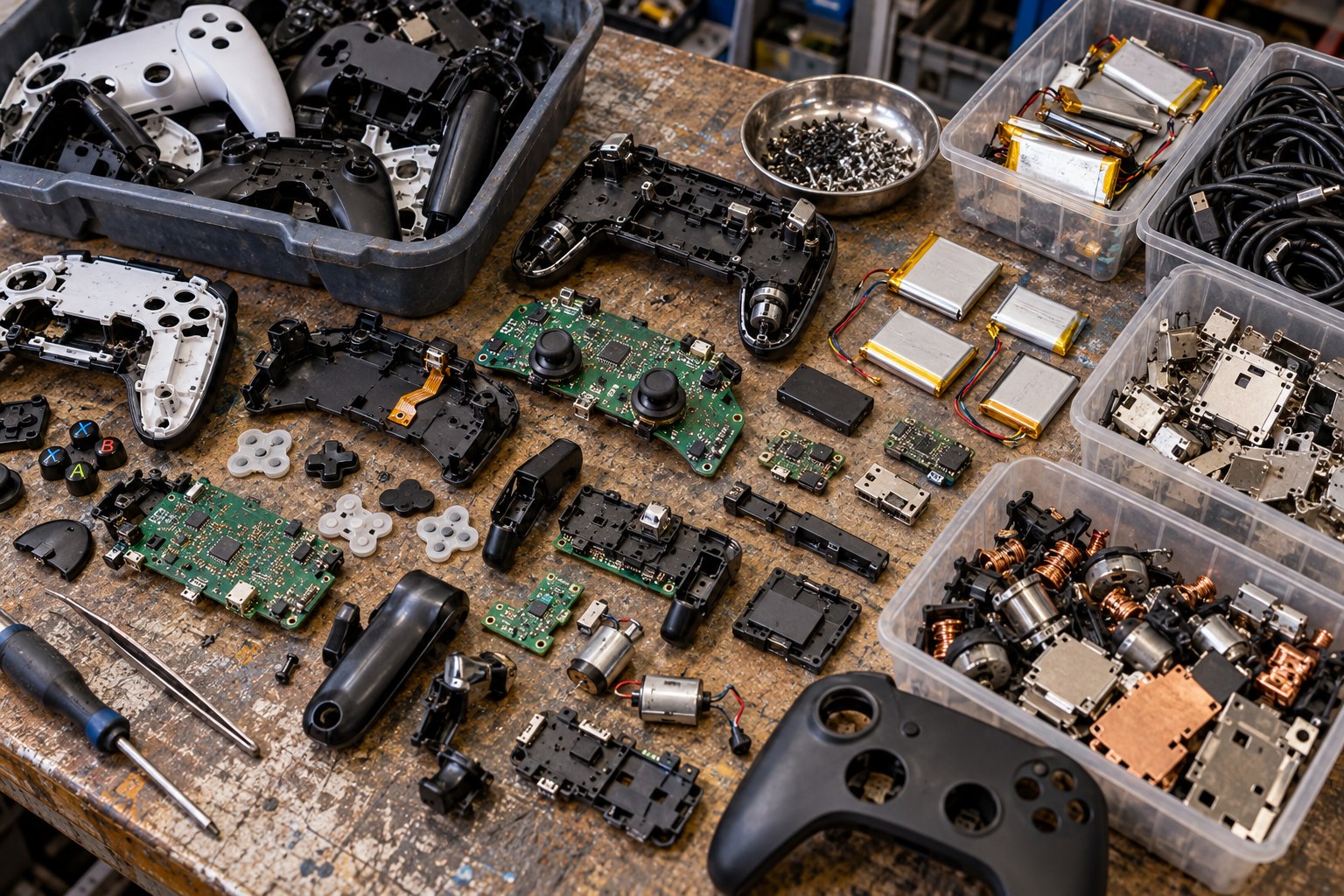
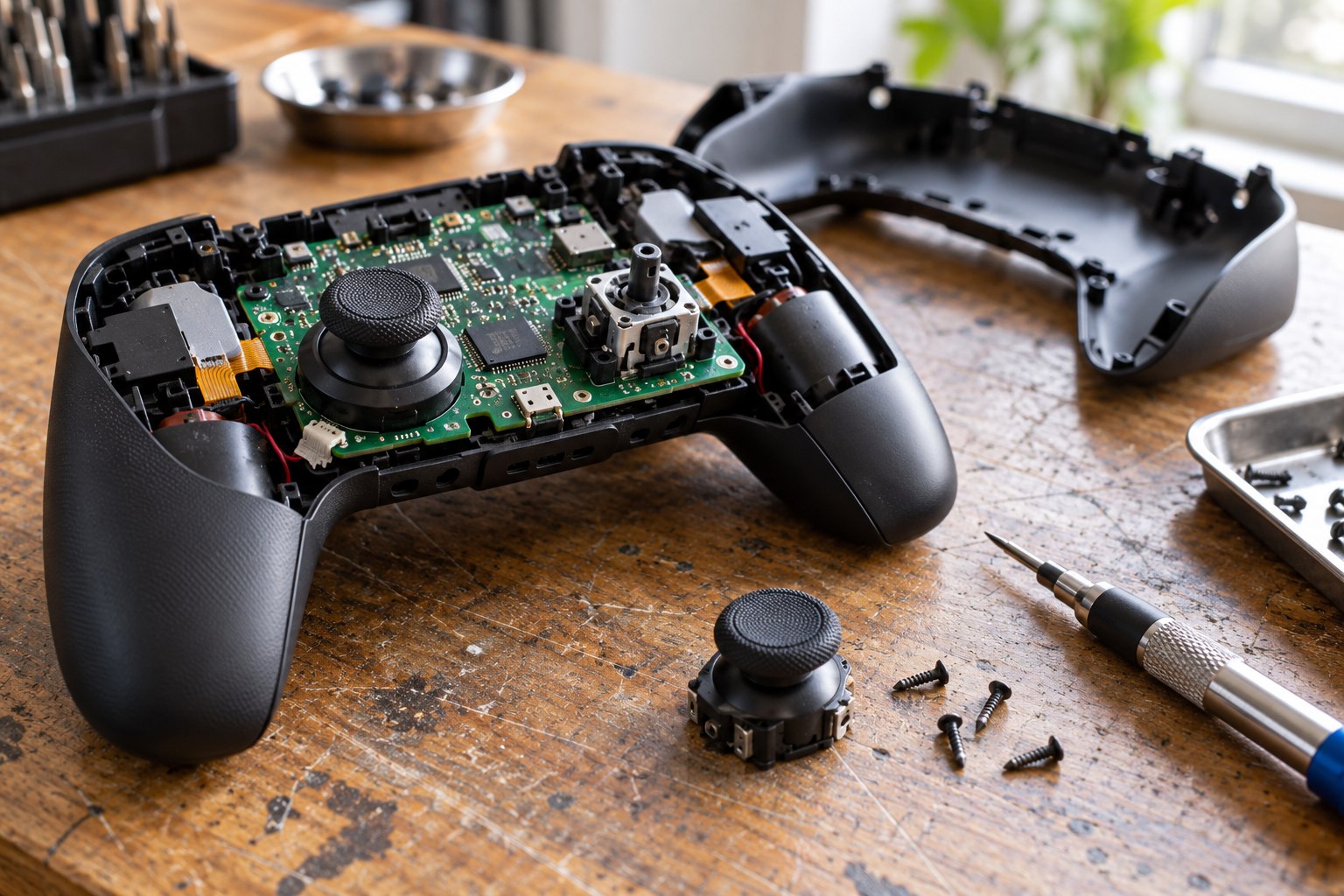
Gaming Hardware Repair and E-Waste
Gaming hardware is a family of products with different lifetimes and failure points. A console may remain intact while a controller wears out; a desktop can gain a new graphics card; a handheld may be limited by its battery or screen. Environmental performance depends on which part fails, whether a replacement exists, whether software still supports the system and whether the owner can keep using it.
Electronic waste begins when an item is discarded, not when it becomes old. A working device transferred to a new owner can provide more service, while broken equipment can retain value as a source of components or materials. The design decisions made at manufacture shape the route available later: replaceable parts, repair instructions, standard fasteners, software support and a take-back channel all affect whether a product can stay in circulation.
Different product architectures create different upgrade paths
A desktop PC is built from components that may be replaced separately. Memory, storage and graphics can be upgraded when the motherboard, power supply, case and cooling support them. That flexibility can extend use, but incompatibility can turn an apparent one-part upgrade into a larger rebuild. Proprietary connectors or compact form factors may constrain options even in a desktop system.
A console has a more integrated design. The manufacturer controls the processor, memory, operating system and game compatibility as a single platform. Users typically add storage or replace controllers rather than upgrade core computing components. The system can deliver a consistent performance target, yet a failure in a non-replaceable board may require a whole-unit repair or replacement.
Handhelds combine a screen, controls, battery, cooling and processor in one compact enclosure. Battery health, joystick wear, display damage and thermal limits can end useful life sooner than a desktop’s component cycle. Repairability should be assessed for the exact model, not inferred from the product category. Battery replacement that requires specialised tools is different from an accessible service part.
Repairability is a chain, not a label
A repairable product needs more than removable screws. Owners need spare parts at reasonable cost, service instructions, diagnostic access, repair providers and software support. If one piece is missing, a common fault can still lead to replacement. Repair success also depends on whether the repair restores safe operation and whether the repaired device continues receiving security and game-platform updates.
For a gaming PC, an upgrade plan should check socket compatibility, memory type, case clearance, power connector, cooling, firmware and operating-system support. A replacement graphics card can increase power draw enough to require a stronger power supply. The purchase should solve a defined performance bottleneck; replacing a full system for a minor limitation consumes more material than necessary.
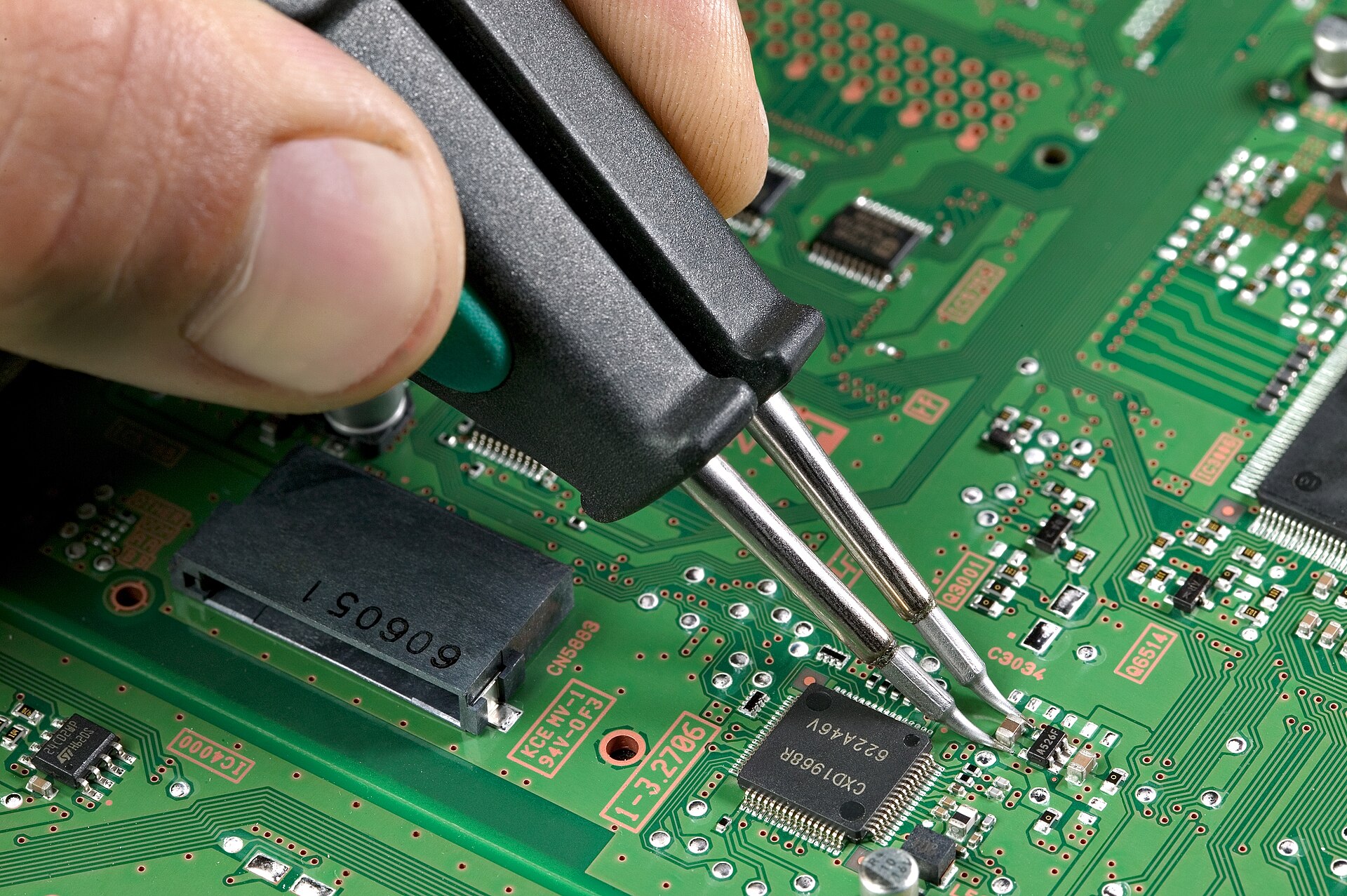
For a console, the relevant repair questions include controller parts, internal storage, fan service, optical drive availability and access to authorised or independent repair. A user should preserve model information, receipts and accessories because they affect repair and resale. A device with an unavailable proprietary adapter or dongle may be much harder to reuse.
| Design feature | How it affects useful life | Evidence to check |
|---|---|---|
| Replaceable battery | Allows continued use after capacity declines | Part availability, repair method and service price |
| Standard components | Supports incremental upgrades and local repair | Compatibility and supported specifications |
| Spare controllers or modules | Lets the main device remain in service after wear | Part stock and repair documentation |
| Long software support | Keeps online and security features usable | Published support period and update history |
| Take-back route | Provides a route when repair or reuse ends | Accepted product list and processor pathway |
Software support is part of hardware life
A working device can lose practical value when account access, multiplayer, security patches, cloud saves or a digital library cease to function. Long-term updates, offline modes, repair manuals and backward compatibility can keep hardware useful, provided performance and security remain adequate for its owner.
Server closure can also end access to a purchased game. Local installation, data export and compatible libraries therefore affect the usable life of equipment as much as its physical condition. Support decisions can prevent or accelerate replacement of functional hardware.
Design for the next owner, not only the recycler
Product design determines whether a second owner can keep a console, PC or handheld working. Modular storage and memory, replaceable fans, standard fasteners and published repair procedures make common faults less likely to end a device’s useful life. These features also reduce the number of distinct parts a service centre must stock.
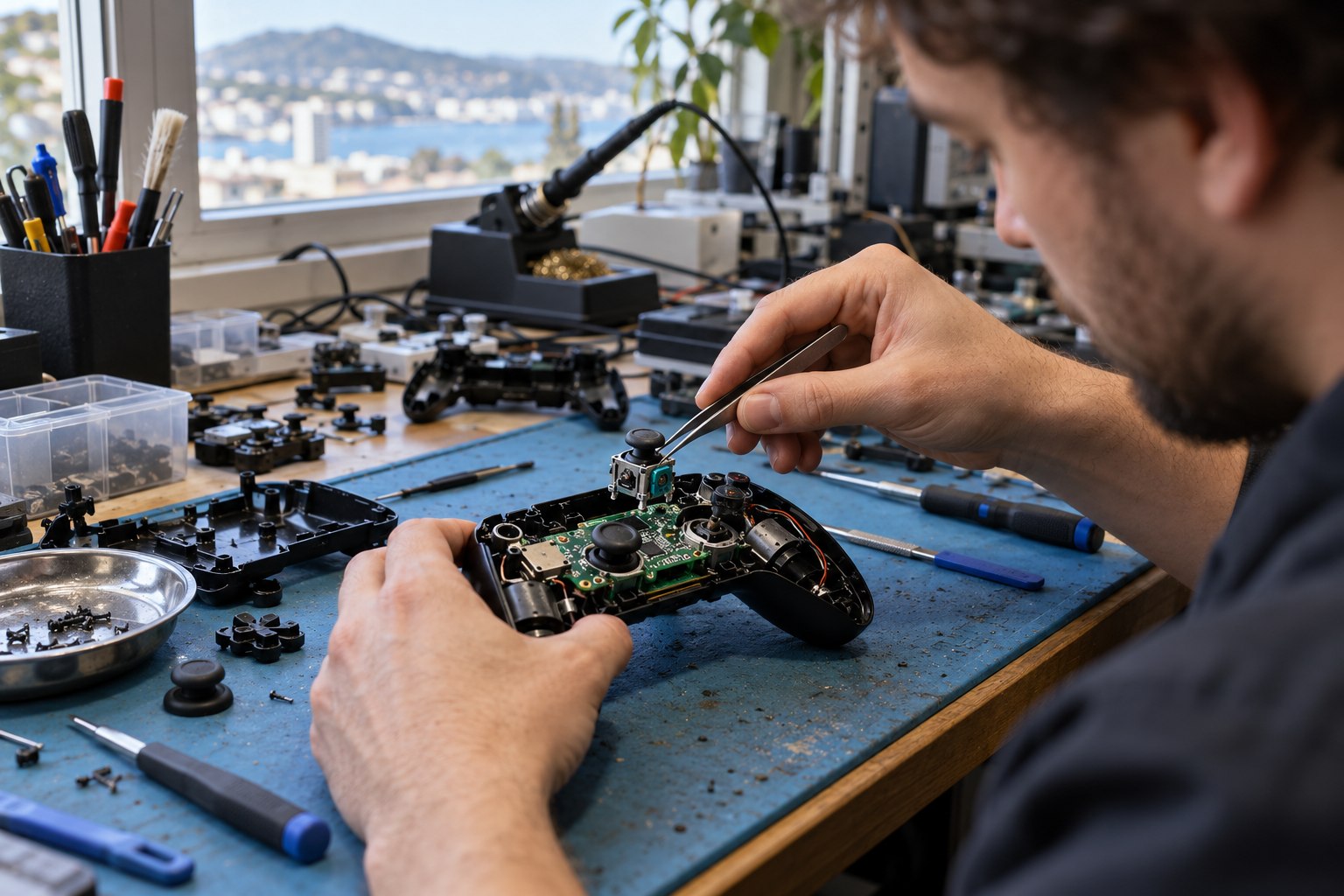
Design teams need to weigh repair access against heat management, electrical safety, water resistance and compactness. A modular device can still be difficult to maintain if parts are expensive, firmware blocks third-party components or the manufacturer stops supplying batteries. Availability should be measured in years after a product leaves retail, not only while it remains current.
Repairability scores are useful only when the method is public and applies to the exact model and region. A high score does not guarantee a local technician, affordable labour or replacement stock. Check the service manual, parts catalogue and warranty terms for the model being acquired.
A dependable handover needs a condition record
A second owner needs to know what the device can reliably do. Record the model, condition, battery health where available, included power supply, storage configuration and known faults. For a console, note whether the controller, disc drive and network connection were checked. For a PC, record the component list and whether its operating system still receives security updates.
Business equipment should also carry an asset-transfer record that names the responsible team, receiving organisation and warranty status. Development machines may need a clean software image and a documented licence transfer. Specialist data-erasure procedures belong in the organisation’s secure-disposal policy and should be completed before a device changes hands.
Condition grading prevents a donation or resale from transferring an unexpected repair cost to the next user. Separate ready-to-use devices from equipment that needs a named repair before handover. Include missing parts and a realistic support window so community groups can match equipment to their games, accessibility needs and connectivity.
Design for material recovery
Once repair access has been designed in, material choices determine the next recovery step. Mark plastic grades on larger parts, keep dissimilar materials separable where safe, and make batteries identifiable before shredding. A processor’s recovery record can reveal which mixed assemblies still require manual separation or are lost as residual waste.
Recycled plastics and metals can lower demand for virgin material when they meet the product’s performance and safety requirements. A recycled-content percentage should identify which component or material it covers. A claim about packaging cannot be presented as a claim about the whole device. Material traceability remains difficult where several supplier tiers contribute to one component.
Packaging can protect a device in transit and still be designed for efficient recovery. Separate paper, moulded fibre, foam and plastic inserts; reduce mixed-material laminates; and provide clear disposal information. Retail packaging that is easily separated is more likely to enter the appropriate recycling stream than a glued composite with no local route.
Measure hardware circularity with multiple outcomes
- Track repair, refurbishment, resale, donation and recycling as distinct routes.
- Record device category, age, condition and mass instead of counting unlike items equally.
- Report whether collection led to reuse, component harvesting, material recovery or disposal.
- Keep software support, battery health and accessory availability in useful-life records.
- Separate consumer equipment from development kits and data-bearing business hardware.
Repair rates can be compared with the number of devices eligible for repair, not just the number repaired. Recycling rates can be calculated from mass received and mass recovered, when downstream data are available. A collection total is a useful operational figure but does not prove that collected equipment avoided landfill or re-entered production.
Procurement teams can request expected software-support periods, spare-parts availability, repair documentation, battery replacement routes and end-of-life terms before equipment arrives. A contract can include annual reporting on repairs and take-back. Those requirements create a record that remains available when the original purchasing team has moved on.
Where component upgrades stop being the lower-impact choice
A component upgrade may stop making sense when several core parts lack support, a board is unavailable, the power supply cannot carry the load or the device will still be unsuitable. Compare expected years of service for repair and replacement, including the new device's manufacturing and freight as well as both devices? electricity use. An efficiency percentage alone is not a life-cycle result.
At handover, record the product family, condition, accessories and data-clearance status. That lets a repairer assess whether the unit or its parts are reusable; a count of discarded devices does not show what happened next.