PC vs Console Energy Use
A gaming PC and a console are not comparable by the wattage printed on a power supply or the headline power draw of one test scene. The complete setup includes the display, speakers, network equipment and time spent in menus, downloads and rest mode. A fair comparison measures the same game experience over the same period, then keeps performance and equipment boundaries consistent.
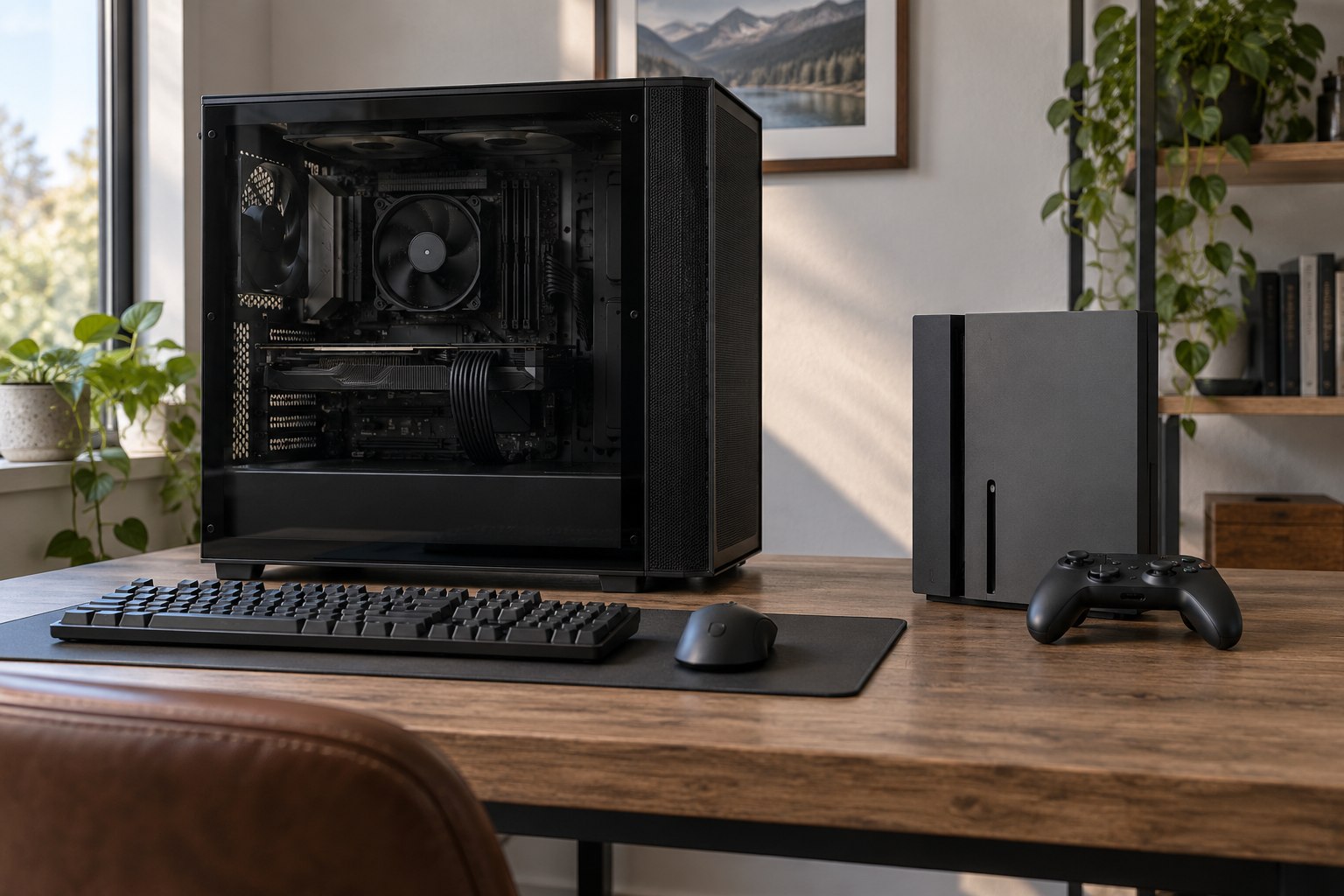
PCs have broad component and settings choices, so their use varies widely. Consoles have a more fixed hardware profile, though performance modes, rest settings and game workloads still change power. Neither platform is inherently lower-energy for every game or household. The right answer comes from a matched test and the way the devices are actually used.
Define the gaming experience being compared
Choose a game and a repeatable task: a particular level, race, match or benchmark route. Record resolution, frame-rate cap, graphics preset, online status and session duration. On PC, include the graphics card, processor, memory, storage and cooling configuration. On console, record the model and performance mode. A demanding PC benchmark compared with a console menu is not a platform comparison.
Display choice can change the result substantially. A PC gamer may use a small high-refresh monitor while a console user plays on a large television, or the reverse. Run one comparison with the same display if the goal is device efficiency, then a second with each person’s usual screen if the goal is household energy. Keep these questions separate.
Audio, external drives, capture cards and charging docks should be treated consistently. A high-end PC setup may include several monitors and streaming hardware; a console setup may include a soundbar and television. The full system matters for a home electricity estimate, while device-only measurements help engineers compare core hardware.
| Comparison type | Include | Best suited to |
|---|---|---|
| Core-device test | PC tower or console, same game task | Comparing hardware operating modes |
| Gaming setup test | Device, display and audio used for play | Estimating a household session |
| Ownership-period estimate | Play, idle, updates, repair and replacement | Comparing annual or multi-year use |
| Whole-room estimate | Setup plus room cooling and shared equipment | Understanding a dedicated gaming room |
Measure energy, not only instantaneous watts
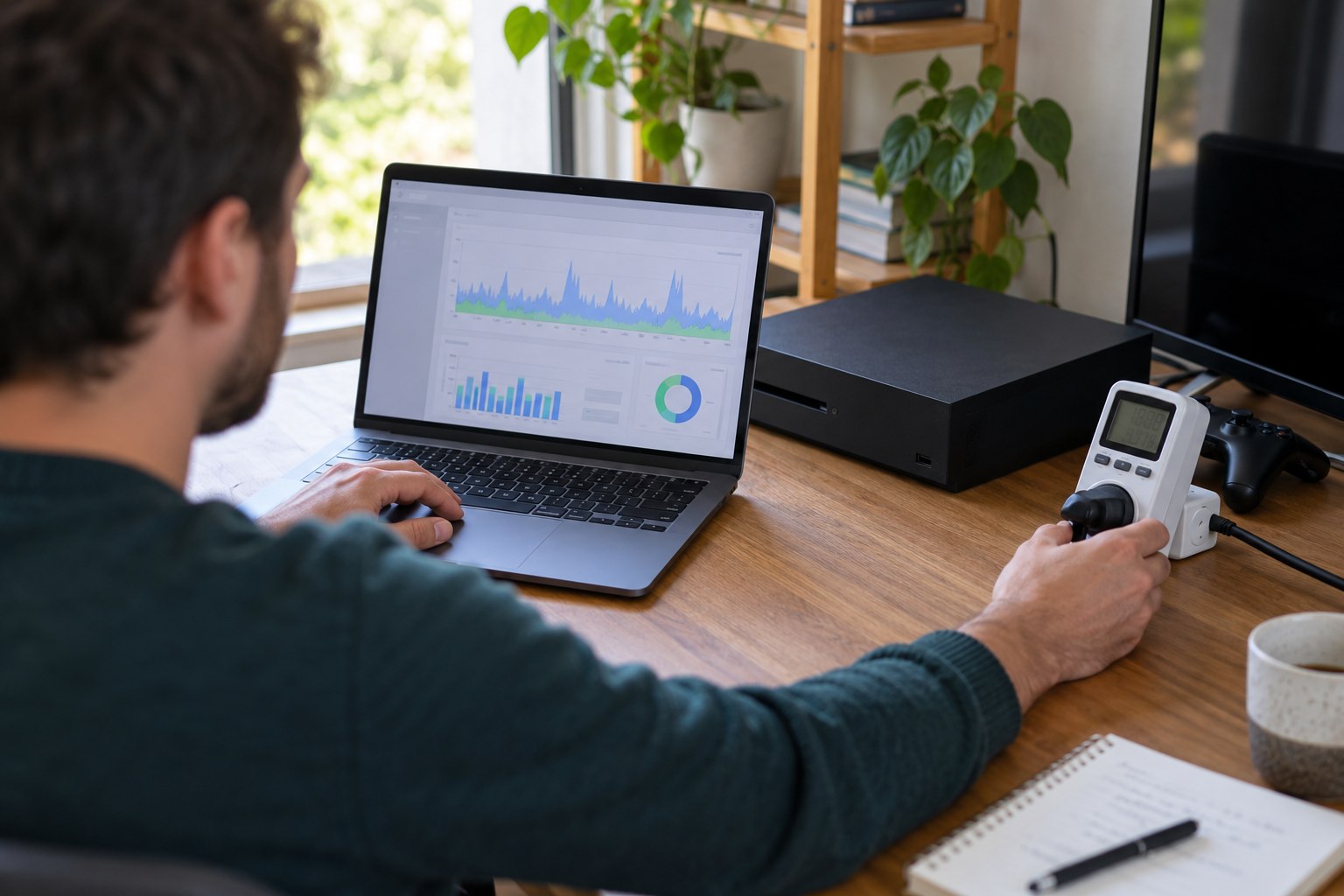
A wall meter measures kWh across a period, which makes it useful for whole-device comparisons. A momentary watt reading can miss scene changes and background processes. Record the start and end kWh, total session time and device state. Repeat the test across several runs because a game may load different scenes or update tasks between sessions.
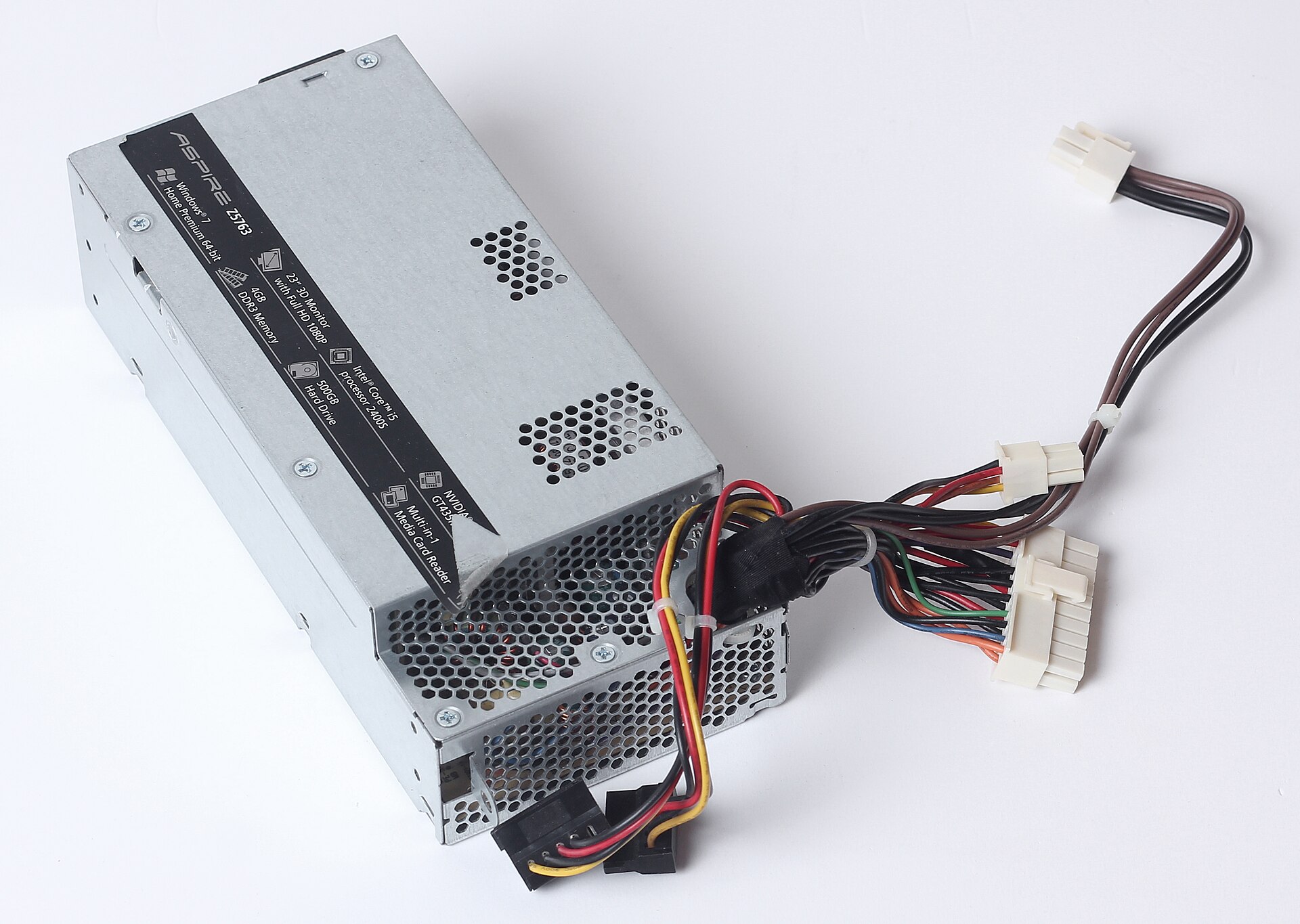
For a PC, wall measurement includes power-supply losses and other components connected to that circuit. Software telemetry can show whether the graphics card or processor drove a change, but hardware sensors may not capture the entire system. For a console, a wall meter can compare gaming, home-screen, media, sleep and shutdown states without relying on a manufacturer’s label.
Power supplies often list a maximum output rating, not normal consumption. A 750-watt PC power supply does not mean that the PC continuously draws 750 watts. A console’s rated input is not a measure of every title. Measure under the task that matters, and retain manufacturer data as context rather than as a substitute for the test.
Performance settings determine the workload
Frame-rate caps, resolution scaling, upscaling, ray tracing and graphics presets change compute demand. Match the display mode and frame target when comparing a PC with a console, and sample gameplay, menus and demanding scenes in proportion to actual use. State any difference in output instead of treating unlike settings as equivalent.
Record the hardware model, firmware, driver and game version. An older PC with an upgraded graphics card, a refurbished machine and a current console can have different power profiles even when they run the same title; a single scene or a label such as ?high? is not enough to rank them.
Rest and background energy change annual use
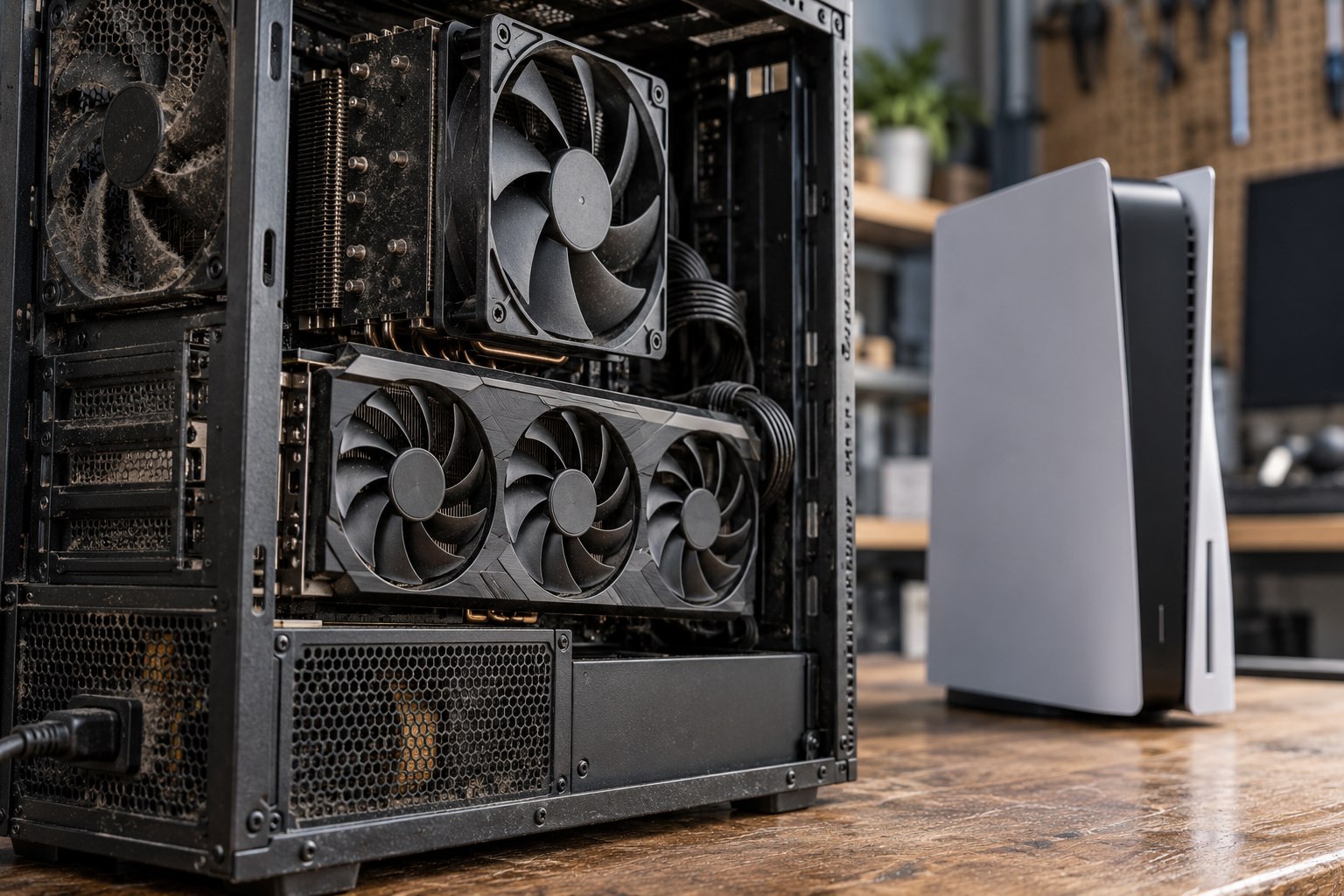
Both platforms can use electricity when no game is being played. Rest features may enable quick resume, controller charging, remote wake, downloads and updates. A PC may remain in sleep, hibernate or an active background state. Measure overnight energy in each setting and note the functions that remain available.
Annual use can be estimated by multiplying average session kWh by sessions per week and weeks per year, then adding standby and download energy. This estimate is only as good as the routine assumptions. A person who plays five short sessions may have different screen and startup use from one long weekly session, even if total play hours match.
Automatic shutdown and power-saving settings reduce the chance that equipment remains active without a user purpose. A console maker may offer a shutdown mode that uses less power than a connected sleep mode; a PC’s energy plan can reduce idle draw. Convenience features still have value, so measure the option that fits the household rather than assuming every user needs the same configuration.
Display size and brightness can change the winner
The screen is part of a gaming session: size, panel type, HDR brightness, refresh rate and picture mode can change the combined result. Room cooling can add a separate load during long sessions, depending on weather, ventilation and the cooling system.
| Question | Test setup | Report separately |
|---|---|---|
| Which device is more efficient? | Same display, brightness and refresh rate | Console or PC power |
| What does each household setup use? | Each platform with its usual screen | Device, display and any dedicated room cooling |
New Zealand context affects carbon, not the kWh reading
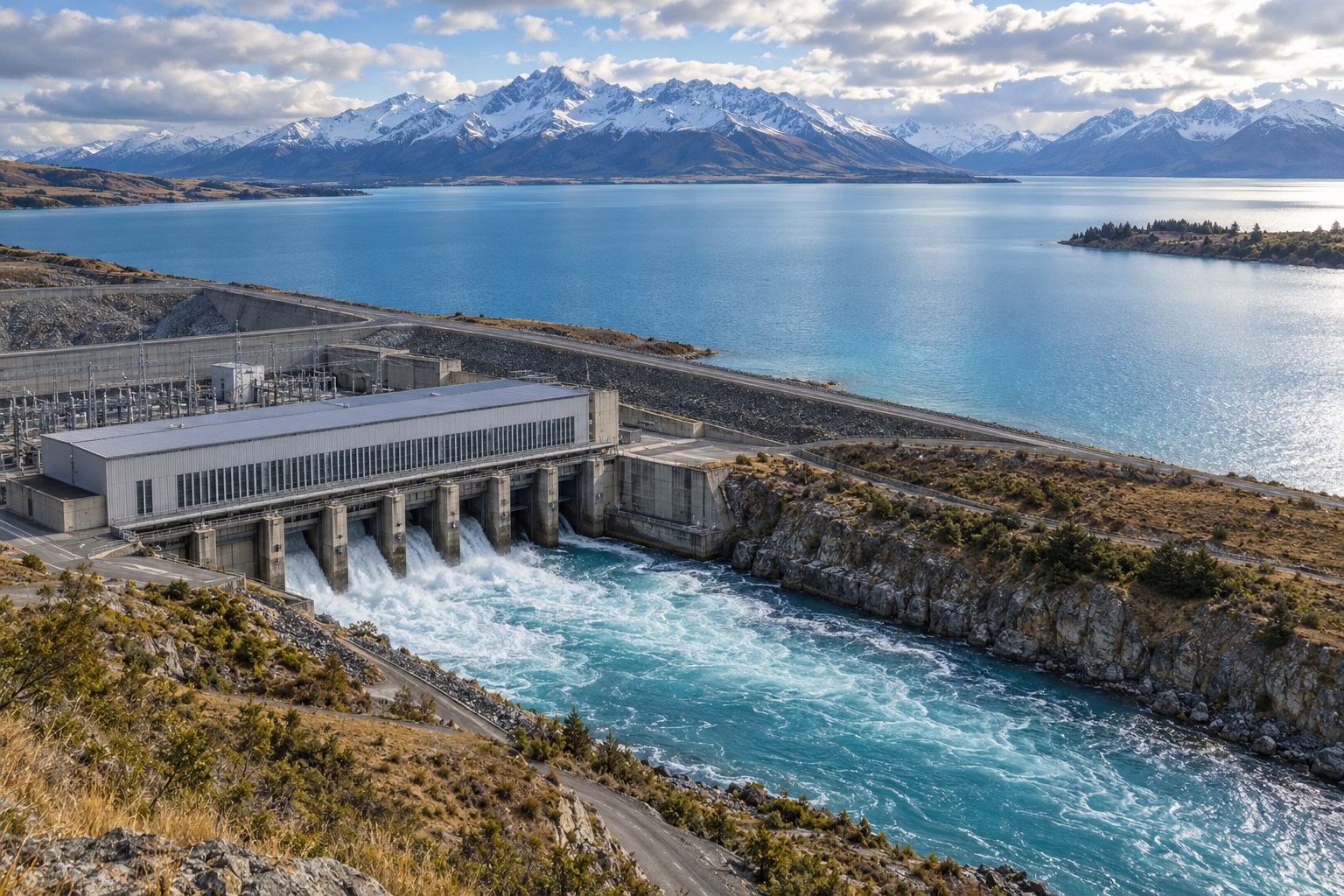
Electricity use measured at the outlet is the same kWh regardless of where the setup is located. Emissions from that electricity depend on the regional supply and the accounting factor used. New Zealand’s electricity supply is predominantly renewable across the year, though hydro conditions and thermal generation shift the mix between periods. A dated local factor is needed for an emissions estimate; the meter reading itself remains the same kWh.
A household carbon estimate should multiply measured kWh by a dated New Zealand emissions factor suited to the chosen method. Keep the electricity result visible even when adding carbon. The same energy use can have different emissions in a different country or at a different time; a platform label cannot make the underlying meter reading disappear.
Electricity tariffs and prices change over time and by retailer. A cost comparison needs the household’s current tariff, fixed charges and time-of-use plan. Annual kWh remains the stable starting point when price details are not available. Avoid using a national average bill as if it were the cost of one PC or console session.
Use a repeatable comparison card
- Model and configuration, including display and firmware or driver version.
- Game, scene, settings, frame cap, resolution and network state.
- Start and end kWh, session duration and number of repeated runs.
- Separate values for active play, menus, downloads and rest mode.
- Any measurement limits, room cooling or shared devices excluded from the result.
A comparison card lets another person reproduce the conditions or understand why their own number differs. Publish median session energy and the range across runs rather than a single point reading. A result that moves substantially between scenes needs a workload description before one platform can be described as lower-energy.
Electricity per hour is one useful measure; total electricity over the ownership period answers another question. A PC with a higher draw may use less energy over a year if its owner plays fewer hours or powers it down. A console’s low rest-mode figure may be offset by a long session schedule. Report intensity and total use together.
When a PC’s upgrade path changes the comparison
A PC can retain its case, motherboard and storage while replacing one component, spreading the embodied footprint across more years. Upgrades can also raise operating power or create compatibility problems. A full life-cycle comparison should include replacement components, added cooling and whether the old part is resold or recycled.
A console usually arrives as a complete package and receives game optimisation for one fixed hardware target. That integration can support efficient software, but a user cannot swap core components to meet a new performance need. A new console generation brings new manufacturing demand; keeping a current model longer avoids that replacement but may limit future titles.